The best online photo storage depends on your phone and your priorities. Google Photos suits most Android users, iCloud suits iPhone users, Amazon Photos is free with Prime, and Proton Drive or Ente win on privacy. Whatever you pick, keep a second copy offline.
Your phone is full. Again.
You've deleted screenshots, cleared the cache, and that "Storage Almost Full" warning is still there. I've been there. The good news is that cloud storage for photos is cheaper and smarter than ever. Let me show you how to choose.
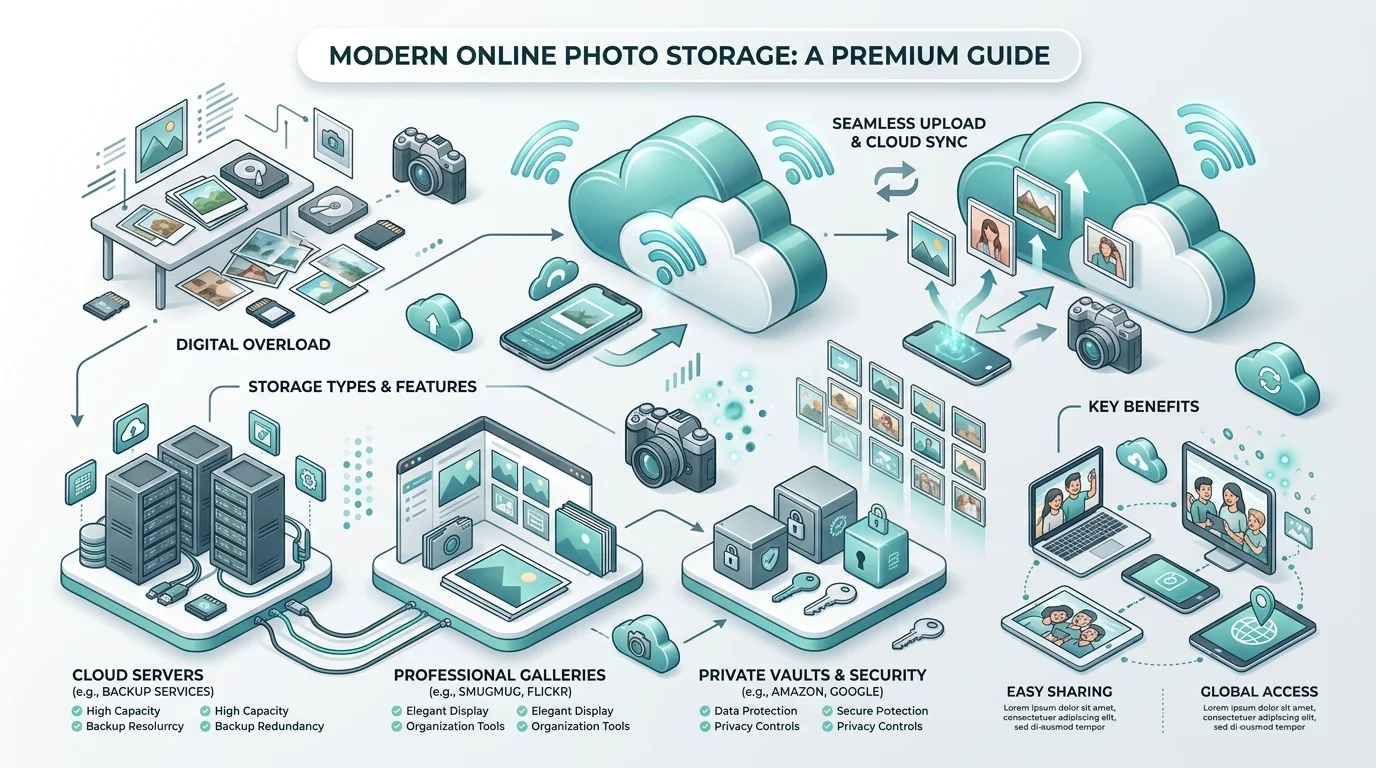
Why Free Photo Storage Isn't Really Free
Free sounds great until you read the fine print. Free tiers are small, shared with your email, and shrinking. According to CNBC, the days of generous free cloud storage are fading, and Snap has capped free Memories. If you want to see what each provider still gives away, check my guide to the best free cloud storage plans in 2026. So what are you really paying?
The Three Hidden Costs
Yogile breaks it down well:
Data cost: what the company does with your photos.
Quality cost: photo compression that permanently shrinks your originals.
Loss cost: an account lockout that can make photos unrecoverable.
Also, the volume keeps growing. One estimate puts 2026 at roughly 2.3 trillion photos, so your library only gets bigger.
What to Look for in the Best Cloud Storage for Photos
Before I name names, you need a checklist. Choosing a photo backup service is like choosing a mattress: everything looks the same until 2 a.m. Here are the four things I check every time, so the fine print never bites you.
Storage Space and Real Price
Compare price per gigabyte, not the headline number. Not sure how much you need? Here's a quick explainer on how many GB are in a TB. Then check the renewal price, because introductory rates often jump after year one.
Privacy and Encryption
Ask one blunt question: can the company see my photos? With end-to-end encryption, Proton says not even Proton can. By contrast, Amazon Photos and OneDrive aren't end-to-end encrypted by default. That comparison comes from Ente, a competitor, so weigh it accordingly.
Original Quality
Google Photos' default "Storage saver" compresses photos to 16 MP. That's fine for snapshots but not for RAW photo storage. Switch to "Original quality" if it matters to you.
Photo Features
Do you want AI photo search and facial recognition? Tom's Guide rates Google Photos paired with Drive as the best all around experience for most people.
Online Photo Storage Compared: Prices and Privacy
Here's the side by side view. Prices are approximate US monthly rates from the reviews cited in this article, so confirm them on each provider's site. For a wider look beyond photos, see my cloud storage services comparison.
Service | Free storage | Paid example | Encryption | Best for |
|---|---|---|---|---|
Google Photos | 15 GB (shared) | About $2 for 100 GB; $9.99 for 2 TB | Standard | Android, AI search |
iCloud | 5 GB | $0.99 for 50 GB; $2.99 for 200 GB; $9.99 for 2 TB | End-to-end with Advanced Data Protection | iPhone users |
Amazon Photos | Included with Prime | Prime $14.99 per month or $139 per year | Not end-to-end | Prime members |
Proton Drive | 5 GB (app listing) | 200 GB plan launched May 2026 at about $2 per month | End-to-end by default | Privacy |
Ente | 10 GB | Storage based plans | End-to-end by default | Private photo library |
Dropbox | 2 GB | $11.99 for 3 TB | Standard | Working across platforms |
MEGA | 30 GB | Varies | Encrypted | Best free tier |
The Best Online Photo Storage Options
No single service wins for everyone. The winner is whichever fits your phone, budget and privacy comfort. So here's my honest take on each.
Google Photos: Best All Rounder
You get 15 GB free, shared with Gmail and Drive. Uploads have counted against your quota since June 2021. Its search is superb, and it's ideal for Android photo backup.
iCloud Photos: Best for Apple Fans
Five gigabytes disappears fast. However, the paid tiers are cheap, and iCloud stores originals at full resolution. For iPhone photo backup, it's nearly effortless. Just remember that iPhones shoot in HEIC, so you may need to convert HEIC to JPG before sharing with non Apple users.
Amazon Photos: Best Perk for Prime Members
Prime gives you unlimited full resolution photo storage. But video is capped at 5 GB, so video shooters should look elsewhere.
Proton Drive and Ente: Best for Privacy
Want zero knowledge encryption? Proton is based in Switzerland, and Swiss law protects its encryption. Ente, meanwhile, is built purely around photos. Proton's photo tools are more basic, though.
pCloud: Best for Lifetime Storage
Hate subscriptions? pCloud is one of the few offering a lifetime storage plan. You pay once, and you're done.
Adobe Creative Cloud and SmugMug: Best for Photographers
The Photography plan includes Lightroom and Photoshop with 20 GB or 1 TB of storage. SmugMug adds website and business tools for selling your work.
How to Back Up Your Photos: Step by Step
Now let's actually do it. This takes about fifteen minutes and beats losing a decade of memories. Follow the steps in order.
Pick your main service. Android: Google Photos. iPhone: iCloud. Privacy first: Proton Drive or Ente.
Turn on automatic camera upload. Also choose "Original quality" so nothing gets compressed.
Add a second backup. Follow the 3-2-1 backup rule: three copies, two media types, one off site. Cloud services do shut down, so keep a local copy too. Not sure where to start? See my roundup of the best photo backup solutions, and read what a RAID array is if you're considering a home NAS.
Test your exit plan. Try downloading everything. Do it today.
Organize and share. Create albums, then use shared albums for family.
Which One Should You Buy?
Decision time. I don't want you stuck in tabs for weeks.
Android user: Google Photos with a 100 to 200 GB plan.
iPhone user: iCloud 200 GB, and turn on Advanced Data Protection.
Prime member: use Amazon Photos as a free second copy.
Privacy first: Proton Drive or Ente.
Professional photographer: Adobe Creative Cloud or SmugMug.
Here's the truth: a paid plan costs less than one takeaway coffee a month. Your wedding photos and your kids' first steps are worth far more. Pick a plan and upgrade today, before a dead phone teaches you the lesson.
Frequently Asked Questions
What is the best online photo storage?
It depends on your device. Google Photos is the best all rounder, iCloud suits iPhones, and Proton Drive or Ente suit users who put privacy first.
Is there free unlimited photo storage?
Amazon Photos offers unlimited full resolution photo storage to Prime members. Otherwise, free tiers are limited, such as 15 GB on Google and 5 GB on iCloud. See the full list of free cloud storage plans.
Which photo storage is the most private?
Proton Drive and Ente encrypt your photos end-to-end by default. Apple's Advanced Data Protection also offers end-to-end encryption on iCloud.
Is cloud storage safe for photos?
Generally yes, but no cloud is a complete backup. Keep a local copy, because accounts can be locked and services can close.
Are lifetime cloud storage plans worth it?
If you'll keep your photos for many years, they can be. pCloud is one option, but check the terms first.
Final Thoughts
Photos are irreplaceable, and storage is cheap. That's a lopsided trade in your favor. Choose your best photo storage service, switch on cloud sync, and add an offline copy.
Now go back up those pictures. Your future self will thank you.