The Freepik AI image generator is now called Magnific. It gives you 20 free images a day, access to 30+ models, and paid plans from $14.50/month billed annually. Every paid plan includes a commercial license.
You searched for the old name and landed on a new one. Confusing, right?
I'll clear it up fast. Then I'll show you how to make your first image, what it costs, and who should skip it.
New to this whole space? Start with my roundup of the best AI art generators for beginners, then come back here.
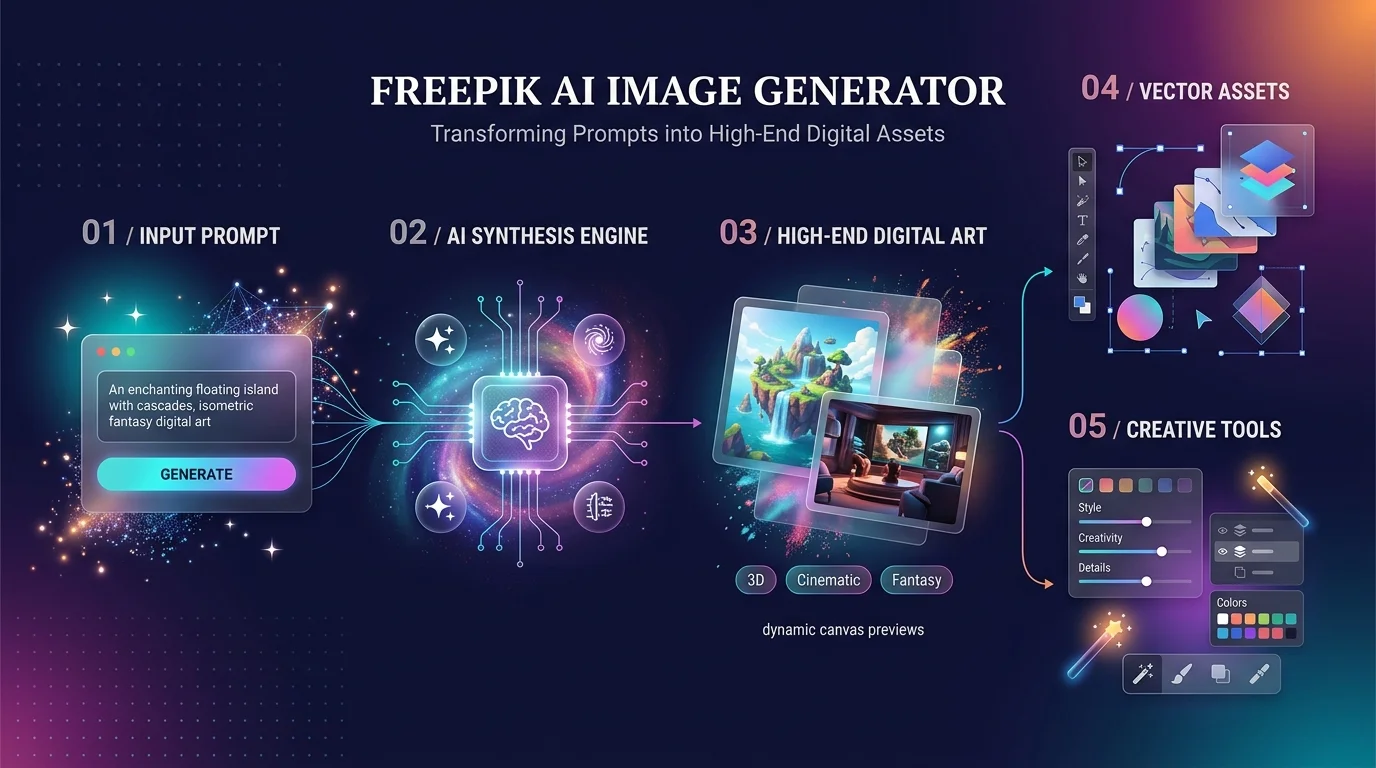
What Is the Freepik AI Image Generator (and Why Does It Say Magnific)?
Freepik started as a stock-photo site. In May 2024 it acquired the Magnific AI upscaler. Then on April 28, 2026, it relaunched everything under the Magnific name. Same company, same team, new brand.
Here's why that matters to you: old tutorials show old menus.
Today you get:
A text-to-image generator and image-to-image generator on one page
250M+ stock assets, including vectors, PSD files, and icons
An AI video generator and AI voice generator in the same account
More than 1 million subscribers, according to the official site
One login. Pretty wild.
Curious how video tools compare? My list of the best AI agent video editors shows where Magnific's video side fits.
Which AI Model Should You Pick?
Most AI art generators lock you into a single engine. That's fine until the engine can't spell.
Magnific bundles Nano Banana, Flux, Ideogram, Seedream, GPT Image, and its own Mystic model. That's multi-model image generation under one subscription.
Here's the cheat sheet from the official model guide:
You need | Reach for | Max output |
|---|---|---|
Photorealism | Nano Banana 2, Seedream 5, GPT Image 2 | 4K |
Text inside images | Ideogram 4, Flux.2 Flex | 2K |
Editing with references | Nano Banana Pro, Flux.2 Max | 4K |
Speed and volume | Nano Banana 2 Lite, Flux.2 Klein | 1K–2K |
Vectors and illustration | Recraft V4.1, Ideogram 4 | 2K |
Not sure? Leave it on Auto. Magnific says about 1 in 5 images are made that way.
How to Create Your First AI Image (Step by Step)
Honestly? It's easier than ordering pizza online.
Open the generator. Sign up at the AI image generator page. The free plan gives you 20 images a day, no card required.
Write a specific prompt. Think subject, light, lens, mood. Try: "ceramic coffee mug on an oak desk, soft morning window light, 50mm lens, shallow depth of field."
Pick a model and aspect ratio. Stay on Auto while you learn.
Add a reference image. The tool reads its composition and palette. That's your image-to-image shortcut.
Edit by talking. Type "make the light colder." Magnific's data says more than half of first steps after generating are conversational edits.
Upscale and export. Use the image upscaler for 4K detail. Need a transparent PNG? Try the background remover.
Here's a stat I love: 3 in 4 follow-up edits start within five minutes. So don't overthink it. Generate, tweak, ship.
Want sharper results? Read my Gemini AI photo prompt guide for prompt ideas that transfer well. And if you want the fundamentals, my prompt engineering 2026 guide covers them.
Pricing: What You'll Actually Pay
Let's talk money, because AI credits confuse everybody.
Each generation costs credits, and the cost depends on the model. On the official pricing page, Nano Banana 2 costs 75 credits per image and Flux.2 Pro (1K) costs 50. Credits last a full year, with no monthly reset.
Plan | Annual billing | Monthly billing | Credits per year | Highlights |
|---|---|---|---|---|
Free | $0 | $0 | 20 images/day | Personal use, attribution required |
Premium | $14.50/mo | $20/mo | 240K | Commercial AI license, Spaces, 250M+ assets |
Premium+ | $33.75/mo | $45/mo | 600K | Unlimited generations on selected models |
Pro Starter | $82.50/mo | $110/mo | 1.5M | Built for heavier production |
Prices exclude VAT. Teams can look at Business, listed at €47 per seat per month on annual billing.
My take? If you generate often, go straight to Premium+. The unlimited models stretch your credits a long way.
Magnific vs. Midjourney vs. Leonardo
You're probably wondering how it stacks up. Fair question.
Magnific | Midjourney | Leonardo AI | |
|---|---|---|---|
Best for | Many models, stock, video in one place | Top-tier aesthetics | High-volume generation |
Entry price | $14.50/mo (annual) | From about $10/mo | About $10/mo (annual) |
Free tier | 20 images/day | None listed | 150 images/day |
Sources: Gradually, Vantaige, AI Agent Rank. Competitor prices change often, so verify before you buy.
So who wins? Vantaige says Midjourney wins on pure image quality, while Leonardo wins on free volume. Magnific wins when you want image generation, upscaling, video, and a stock library under one bill. That's the real edge.
Is It Safe for Commercial Use?
Smart question. Ask it before you publish anything.
Paid plans include a commercial license for AI-generated content. Free plans are personal use only and need attribution, per Freepik's plans documentation and AI copyright guide.
Two more facts:
Magnific says it never trains on your prompts or results, on any plan.
Legal indemnification covers Business and Enterprise plans, not individual ones.
One honest caveat: copyright ownership of AI images isn't guaranteed everywhere. For sensitive client work, ask a lawyer.
Where It Falls Short
No tool is perfect.
Credits drain fast on video and premium models. One independent review called the advanced options costly next to the cheap entry plan. Fair point.
Magnific also rebrands quickly, and new models arrive most months. So today's menu may look different next quarter.
Frequently Asked Questions
Is the Freepik AI image generator free?
Yes, partly. The free plan gives you 20 images a day with no card required. It's personal use only, and attribution is required.
Is Freepik the same as Magnific?
Yes. Freepik rebranded as Magnific on April 28, 2026. Your old subscription carries over to the new brand.
Can I use the images commercially?
Yes, on paid plans. Free plans are personal use only.
Does Magnific train on my images?
No. Magnific states it never uses your prompts, references, or results to train models.
Which model is best for text in images?
Ideogram 4 is the official pick for readable type. Flux.2 Flex is another option.
Is it better than Midjourney?
It depends. Midjourney leads on aesthetics. Magnific leads on variety, editing tools, and stock content.
Final Verdict: Should You Buy It?
Yes, if you want one creative platform instead of five subscriptions.
You get photorealistic images, text rendering, upscaling, video, and stock assets in one place. You can even generate images from inside Claude through MCP.
Here's what I'd do. Make five free images today. If you like the results, grab Premium+ on annual billing.
Your next image is one sentence away. Go make it.