The best AI art generators for beginners in 2026 are Adobe Firefly, DALL-E 3, and Canva Dream Lab — each lets you turn plain-English prompts into usable images with no design experience or prompt-engineering skills required. Below, I'll walk you through eight tools, how they compare, and how to pick the right one for you.
So you want to create stunning AI art but you have zero design experience?
I get it.
A few years ago, making digital art meant years of practice, expensive software, and a steep learning curve. Today? You just type a sentence and watch magic happen.
In this guide, I'm going to walk you through the best AI art generators for beginners in 2026 — the ones that actually work, not just the ones with the flashiest marketing pages.
Let's dive in.
What Is an AI Art Generator (And How Does It Actually Work)?
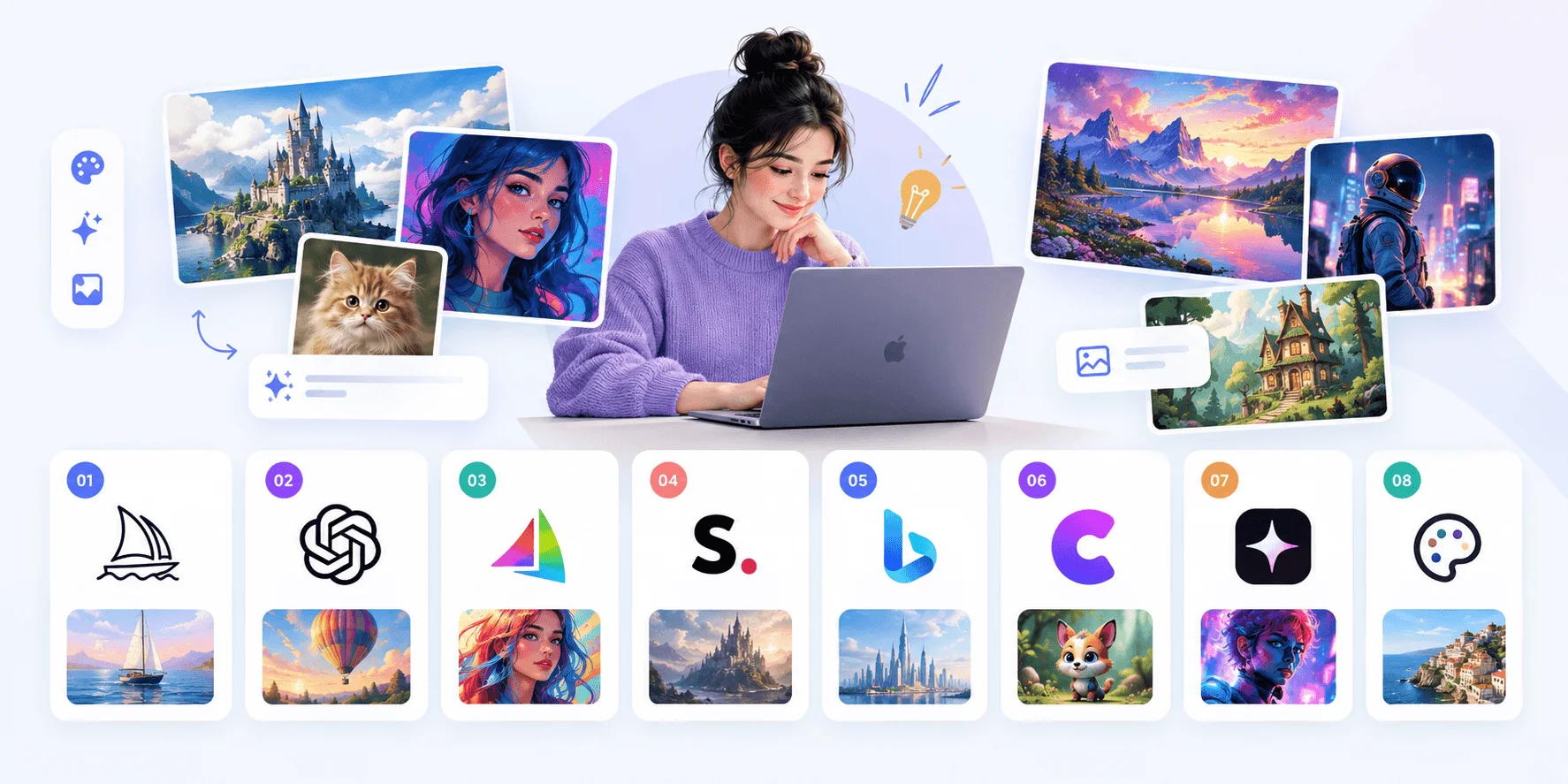
Before we jump into the list, let's quickly cover the basics. If you already know how text-to-image AI works, feel free to skip ahead.
Here's the short version.
An AI art generator is a tool that turns your written description — called a "prompt" — into a finished image. You type something like "a cat astronaut floating in space," hit generate, and within seconds you've got a piece of art.
How diffusion models work
Under the hood, most of these tools rely on something called a diffusion model. Basically, the AI starts with random noise and gradually "cleans it up" until it matches your prompt. Sounds complicated, right?
It's not, though. Not for you, anyway.
You don't need to understand the math. You just need to know which tool to use — and that's exactly what I'm covering below.
Quick Comparison: Best AI Art Generators for Beginners
Want the short version before you read the full breakdown? Here you go.
Tool | Best For | Free Tier | Commercial Use |
|---|---|---|---|
Adobe Firefly | True beginners | 25 credits/month, no card needed | Yes — licensed Adobe Stock training |
DALL-E 3 | Conversational editing | Bundled with ChatGPT plans | Yes, per OpenAI terms |
Canva Dream Lab | Existing Canva users | ~50 shared AI credits/month | Yes, per Canva terms |
Stable Diffusion | Free daily generations | 10 images/day | Paid tiers only |
NightCafe | Community support | Limited free credits | Varies by plan |
Leonardo AI | Concept art/design | Limited free credits | Yes, per plan |
getimg.ai | Multiple models in one place | Limited free credits | Yes, per plan |
Ideogram | Text/typography in images | Generous free tier | Yes, per plan |
(Pricing and credit limits checked as of the tools' own pricing pages — always confirm current terms before committing, since AI companies update plans frequently.)
1. Adobe Firefly — Best Overall for True Beginners
Let's start with my top pick.
If you've never touched an AI tool in your life, Adobe Firefly is where I'd point you first.
Why? Because it's ridiculously simple.
You type a plain-English prompt — no weird syntax, no "--ar 16:9" style commands — and it spits out a usable image. No credit card required to start, either.
Key Firefly features
Free tier: 25 generative credits per month, no strings attached
Commercial-safe: Trained on licensed Adobe Stock content, so you won't run into copyright headaches
Beginner-friendly UI: Clean, guided, and genuinely intuitive
Step-by-step to get started with Firefly
Head to Adobe Firefly and create a free account
Click "Text to Image"
Type your idea in plain language (e.g., "a cozy cabin in the woods at sunset")
Hit generate and pick your favorite from the batch
Download or edit further
Simple, right? That's the whole point.
2. Ideogram — Best for Text and Typography in Images
Let's talk about a tool a lot of beginners overlook: Ideogram.
Here's the problem it solves. Most AI art generators are notoriously bad at rendering readable text inside an image — you ask for a poster that says "Happy Birthday" and you get something that looks like alien scribbles instead.
Ideogram fixes that.
If you're making things like logos, posters, memes, or social graphics that actually need legible words baked into the image, this is the tool built for exactly that job.
What stands out about Ideogram
Strong, accurate text rendering inside generated images
Clean, simple prompt box — no complicated syntax needed
A generous free tier that's genuinely usable for casual projects
Step-by-step to get started with Ideogram
Go to Ideogram and sign up for free
Type your prompt, including the exact text you want to appear (e.g., "a vintage poster that says 'Coffee & Co.'")
Choose a style preset if you want a specific look
Generate, review your batch, and download your favorite
For beginners specifically working on branding or marketing graphics, this fills a gap that Firefly and DALL-E 3 don't handle nearly as well.
3. DALL-E 3 (via ChatGPT) — Best for Conversational Editing
Here's a fun fact most people don't realize.
DALL-E 3 isn't just an image generator — it's a conversation partner for your art.
Since it's baked directly into ChatGPT, you can describe your image, see the result, and then just... ask for changes. Like you're talking to a person.
"Make the hat red."
"Change the background to a sunset."
"Add more contrast."
No prompt engineering degree required.
Why beginners love DALL-E 3
It comes down to natural language understanding. You don't need to learn special commands or weird symbol combos. You talk like a human, and it listens like one.
The tradeoff? It offers less stylistic control than something like Midjourney, and it lacks the deep customization power of Stable Diffusion. But for someone just starting out, that's actually a feature, not a bug. Less complexity means faster results.
4. Canva Dream Lab — Best If You Already Use Canva
If you're already inside the Canva ecosystem — and let's be honest, who isn't these days — Dream Lab is a no-brainer.
Here's why.
You don't need a separate app. You don't need a new login. It's built right into the editor you probably already use for social media graphics, presentations, and flyers.
What makes Dream Lab beginner-friendly
Generates 4 image variations per prompt
Works directly inside the Canva design canvas
A 2026 Style Transfer update lets you upload a reference image so it matches your palette and composition
One catch, though: the free plan gives you roughly 50 AI credits per month, shared across Dream Lab, Magic Write, and other tools. A single generation can eat up 4 to 8 credits, so budget accordingly.
Still — for sheer convenience, this one's hard to beat.
5. Stable Diffusion — Best for Free Daily Generations
Let's talk numbers for a second.
Stable Diffusion offers a genuinely generous free tier — 10 image generations per day, no cost. That's enough for casual experimentation without ever pulling out your wallet.
If you want more, the Pro plan (around $10/month) bumps you up to 2,000 fast generations per day and removes ads and watermarks. The Max plan roughly doubles that and adds privacy.
Why this works well for learning
Why do I recommend this for beginners despite it being a more "power user" tool at its core? Simple: the free tier lets you learn by doing without financial pressure.
And honestly, that's the best way to get good at anything.
6. NightCafe — Best for Community Support
Here's something most "best AI art generator" lists skip over: community.
NightCafe isn't just a tool — it's a whole ecosystem built for people learning together. There's a Daily Challenge Chat, a dedicated beginners' tips section, and an active Discord full of people who genuinely want to help you improve.
Why community matters when you're starting out
Because learning in isolation is hard. When you're stuck, staring at a mediocre output wondering what went wrong, having a community to ask "hey, why does my image look weird?" is genuinely valuable.
Features worth noting:
Selfie generator and sketch-to-image tools
Targeted editing for specific parts of an image
Beginner tips baked right into the platform
If you're someone who learns better with peer support, start here.
7. Leonardo AI — Best for Concept Art and Design Work
Moving on to Leonardo AI.
This one leans slightly more toward concept art workflows — think game assets, character design, and illustration-style output — rather than pure photorealism.
It's not the absolute simplest tool on this list, I'll be honest. The interface can feel a touch more complex compared to something like Firefly. But if you're interested in a specific creative niche (say, fantasy art or character design), the learning curve is worth it.
Give it a shot once you've got the basics down elsewhere.
8. getimg.ai — Best for Access to Multiple AI Models in One Place
Last but not least: getimg.ai.
What sets this one apart is flexibility. Instead of locking you into one underlying model, it gives you access to multiple leading image models — like FLUX, GPT Image, and Nano Banana — all inside a single workspace.
It even has an Auto Mode feature that picks the best model for your specific prompt automatically. That's a genuinely useful shortcut when you don't yet know which model handles which style best.
Plus, with automatic prompt enhancement and reusable "Elements," it removes a lot of the guesswork beginners usually struggle with. Want the same multi-model idea plus a stock library and video tools? Freepik, now rebranded as Magnific, bundles 30+ models and a commercial license on paid plans. See our full Freepik AI image generator (Magnific) pricing and guide.
How to Choose the Right AI Art Generator for You
Okay, so you've got eight solid options. How do you actually pick one?
Do you want simplicity or control?
Firefly and DALL-E 3 prioritize ease. Stable Diffusion and Leonardo AI prioritize customization.
Do you need commercial rights?
If you're building a business or client work, stick with tools offering clear commercial-use licensing — Firefly, DALL-E 3, and Ideogram are safe bets here, but always double-check the current terms before using any output commercially.
Do you already use a design tool?
If you live in Canva, Dream Lab is the path of least resistance.
Do you want community support while learning?
NightCafe wins here, hands down.
There's no single "best" answer. It genuinely depends on what you need.
A Quick Word on Copyright and Commercial Use
One thing I want to flag before you go wild generating images for client work: not every free AI art generator gives you commercial rights.
Many free tiers restrict resolution, watermark your images, or explicitly forbid commercial use in their terms of service.
Before you use any AI-generated image in paid work, marketing campaigns, or products you're selling, actually read the licensing terms on the tool's own site. It takes five minutes and can save you a massive headache later.
Frequently Asked Questions
What is the best free AI art generator for beginners?
Adobe Firefly and Stable Diffusion are the strongest free options — Firefly for simplicity and commercial-safe licensing, Stable Diffusion for its generous 10-images-per-day free tier.
Can I use AI-generated art commercially?
It depends entirely on the platform's terms of service and your region's copyright laws. Tools like Firefly, DALL-E 3, and Ideogram generally support commercial use on their paid or free tiers, but you should always confirm current terms directly on the provider's site before using an image commercially.
Which AI art generator is easiest to use with no experience?
Adobe Firefly and DALL-E 3 (via ChatGPT) are the easiest for absolute beginners, since both accept plain-English prompts with no special syntax or prompt-engineering knowledge required.
Do I need design skills to use an AI art generator?
No. That's the entire point of these tools — you describe what you want in everyday language, and the AI handles the technical execution.
Which AI art generator is best for adding text to images?
Ideogram is specifically built to render accurate, legible text inside generated images, which most other AI art generators struggle with.
Final Thoughts
Look — AI art generators have genuinely leveled the playing field. You don't need years of training or an expensive design degree to create something beautiful anymore.
My honest advice? Start with Adobe Firefly or DALL-E 3 if you want the gentlest learning curve among the best AI art generators for beginners. Once you're comfortable with basic prompting, branch out into Stable Diffusion or Leonardo AI for more creative control.
The barrier to entry is gone.
What will you create?