Quick answer: To download Adobe Creative Cloud, head to Adobe's official website, sign in with your Adobe ID, pick a subscription plan, and install the Creative Cloud desktop app — this is the control panel you'll use to install individual apps like Photoshop, Illustrator, and Premiere Pro. The whole process takes about 10-15 minutes, and you can start with a free trial before paying anything.
Now let's break down exactly how to do it, what it costs, and which apps you actually need.
So you're ready to dive into the world of Adobe Creative Cloud, huh? I get it. Whether you're a designer, a video editor, or just someone who wants to mess around in Photoshop for the first time, getting your hands on the Creative Cloud desktop app is step one.
Here's the thing though — most guides out there just tell you to "click download" and call it a day. That's not what you're getting here.
I'm going to walk you through everything. The installation process, the pricing plans, which apps actually matter, and a few things I wish someone had told me before I signed up for my first subscription.
Let's get into it.
What Is Adobe Creative Cloud, Exactly?
Before you download anything, you probably want to know what you're actually getting into. And honestly? That's smart. Too many people just click "subscribe" without understanding the full picture.
Adobe Creative Cloud (often shortened to Adobe CC) isn't a single piece of software. It's a subscription-based ecosystem that bundles together more than 20 creative apps — think Photoshop, Illustrator, Premiere Pro, After Effects, and Lightroom — along with cloud storage, fonts, stock assets, and generative AI tools through Adobe Firefly.
You're not just buying software here. You're buying into an entire workflow.
The Core Idea Behind Creative Cloud
The whole point of Creative Cloud is integration. You can start a vector illustration in Illustrator, drop it into an InDesign layout, and never hit a compatibility wall.
Everything talks to everything else.
Your files sync automatically. Your fonts are shared across apps. Your Creative Cloud Libraries follow you from project to project. It's designed so you never have to think about file formats — you just create.
(If you're deciding between individual apps, it's worth comparing Photoshop vs. Illustrator before you commit to a plan.)
How Do I Download Adobe Creative Cloud? (Step-by-Step)
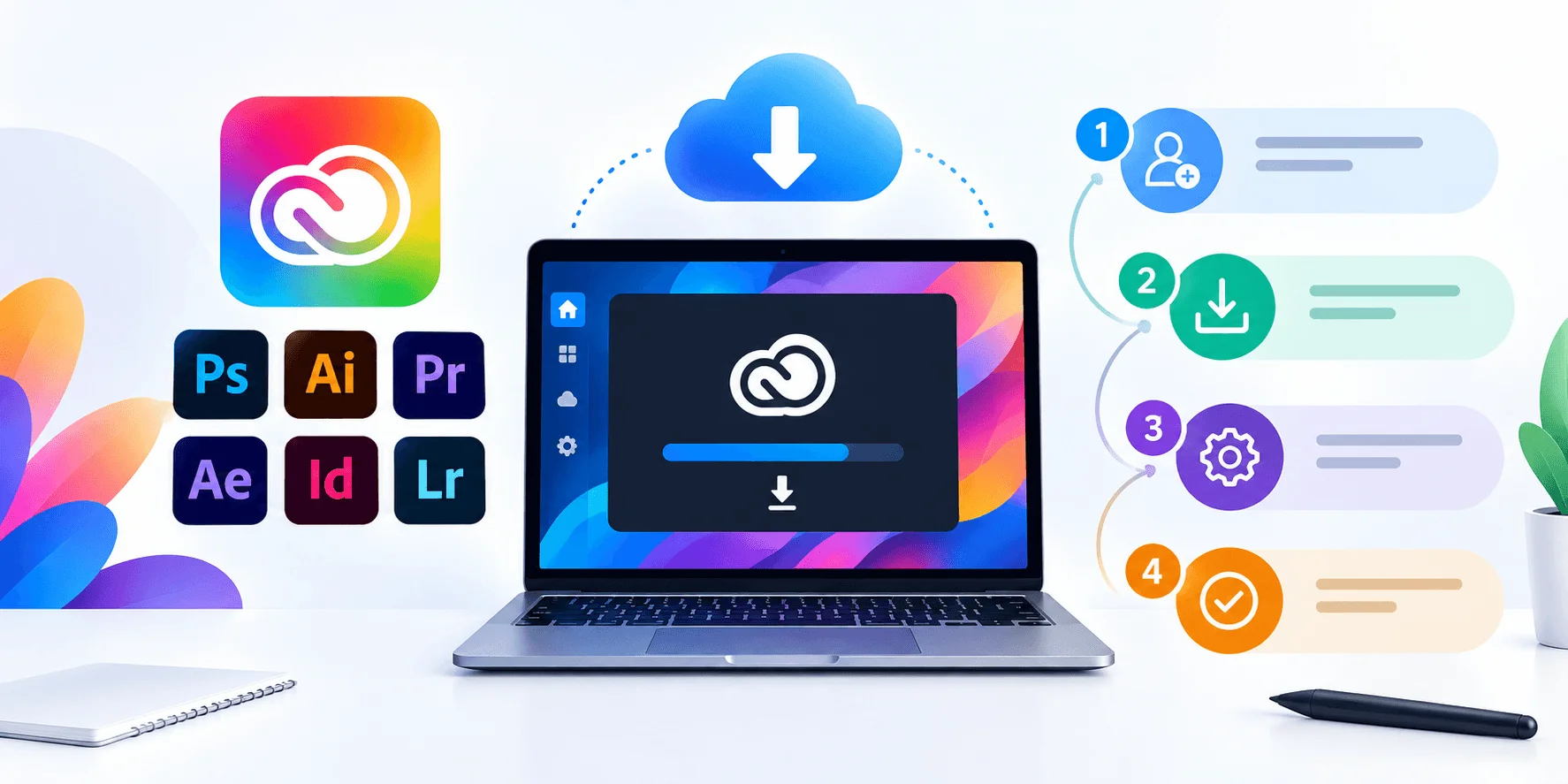
Alright, let's actually get you set up. I'll keep this simple because Adobe doesn't make it that complicated once you know where to click.
Here's your step-by-step breakdown:
Step 1: Head to the Official Adobe Page
First things first — go straight to Adobe's official download page. I cannot stress this enough: avoid third-party download sites. Some of them bundle malware with the installer, and others offer "cracked" versions that are flat-out illegal and dangerous. Don't risk it. Just go to the source.
Step 2: Create or Sign In With Your Adobe ID
You'll need an Adobe ID to proceed. If you don't have one yet, you can create it in about 30 seconds — just an email and password.
Step 3: Choose Your Plan
This is where a lot of people get stuck, so pay attention here. Picking the right plan matters — both for your wallet and your workflow.
Step 4: Download the Creative Cloud Desktop App
Once you've picked your plan (or started a free trial), Adobe will prompt you to download the Creative Cloud desktop app. This isn't the actual software you'll design or edit in — it's more like a control panel. Think of it as mission control for all your Adobe apps.
Step 5: Install and Launch Your Apps
From inside the desktop app, find whatever program you want — Photoshop, Premiere Pro, whatever — and hit Install. Give it a few minutes; some apps are hefty. After Effects in particular can take a while depending on your internet speed.
Once it's done? You're in.
How Much Does Adobe Creative Cloud Cost? (Pricing Table)
Here's the breakdown you actually came here for. Pricing below reflects Adobe's published US list pricing as of September 2026 — confirm the final checkout price yourself, since promos shift often.
Plan | Price (per month) | Best For | What's Included |
|---|---|---|---|
Single App | ~$22.99 | Specialists who need one tool | One app of your choice |
Photography Plan | ~$19.99 | Photographers | Photoshop + Lightroom, 1TB storage |
Creative Cloud Standard | ~$54.99 | Full suite on a budget | 20+ apps, limited mobile/web access, fewer AI credits |
Creative Cloud Pro | ~$69.99 | Full-suite professionals | 20+ apps, mobile/web access, ~4,000 monthly generative credits |
Since most Creative Cloud plans bundle in cloud storage (1TB on Photography and Pro plans), it's worth knowing how that stacks up against dedicated storage providers. Here's a comparison of the best cloud storage services if storage capacity is a deciding factor for you.
And if you don't need the full Creative Cloud bundle just for the storage, these free cloud storage plans for 2026 might cover what you need without the extra cost.
A note on hidden costs: Most Creative Cloud plans auto-renew at the end of your annual commitment, and canceling mid-term can trigger an early-termination fee — so mark your renewal date. If you're comparing options, this independent pricing guide breaks down the fine print in more depth than Adobe's own marketing pages do.
Business and team pricing works differently — it's seat-based with an annual commitment, and per-seat costs typically run higher than individual plans but come with centralized license management, which is worth it once you're managing more than a couple of users.
Student and teacher pricing remains one of the sharpest discounts available: the full Creative Cloud Pro suite for roughly $19.99/month in year one, then $39.99/month after that — about 71% off standard pricing. If you've got an active school email, it's worth checking eligibility before you pay consumer rates.
What Are the System Requirements?
I know, nobody wants to read the fine print. But trust me on this one.
Before you download anything, check your system requirements. Individual apps within Creative Cloud have different hardware demands, and running Premiere Pro on an outdated laptop is going to be miserable.
Generally, you'll want:
A relatively modern multi-core processor
At least 8GB of RAM (16GB+ for video or 3D work)
A dedicated graphics card for apps like Premiere Pro or After Effects
Plenty of free storage — these apps are not small
If your current setup falls short on any of these specs, it's worth checking out this guide on best laptops for video editing before you commit to a Pro plan — no point paying for After Effects if your machine can't render smoothly.
Which Adobe Apps Should You Actually Download?
Not everyone needs all 20+ apps, and downloading everything at once just clutters your desktop app for no real reason. Here's the breakdown by use case.
For Photographers
Your bread and butter is Lightroom and Photoshop. Lightroom handles organization and color correction; Photoshop handles heavier retouching. The Photography plan was basically built for you.
For Graphic Designers
You'll want Illustrator for vector work, Photoshop for raster editing, and InDesign for layout design — brochures, magazines, that sort of thing.
For Video Editors
Premiere Pro for editing, After Effects for motion graphics and visual effects. Some editors also grab Audition for audio cleanup.
For UI/UX and 3D Work
Look at Adobe XD and Substance 3D, which has become a genuinely powerful tool for texturing and rendering.
What Does Adobe Firefly (AI) Add to Creative Cloud?
Let's talk about something that's changed the game over the past couple of years: Adobe Firefly.
This is Adobe's generative AI engine, baked directly into apps like Photoshop. Features like Generative Fill let you extend images, remove objects, or generate entirely new elements just by typing a text prompt.
The Creative Cloud Pro plan gives you a much deeper well of monthly generative credits compared to Standard — roughly 4,000 credits a month for premium features like text-to-video generation. If AI tools matter to your workflow, factor that into your plan decision.
Free Trial vs. Paid Subscription: What Should You Pick?
I always tell people: try before you buy.
Adobe offers a free trial (usually 7 days) on most plans, plus typically a 14-day money-back guarantee window after billing starts. Use that window wisely — actually build something, don't just poke around the interface for five minutes.
Troubleshooting Common Download Issues
The Installer Won't Launch
Check your internet connection, then confirm you've got enough free storage — a lot of failed installs come down to running out of room mid-download.
Apps Are Stuck "Updating"
Close the Creative Cloud desktop app completely and relaunch it. If that doesn't work, reinstall the desktop app itself.
You Can't Sign In
Double-check you're using the correct Adobe ID. If you're using a school or work-provided account, you may need admin approval first — common with institutional licenses.
Frequently Asked Questions
Is Adobe Creative Cloud free?
No, but every plan comes with a free trial (usually 7 days), and web-based apps like Adobe Express have a limited free tier. The desktop app itself — the installer/manager — is free to download; it's the individual apps that require a subscription.
Can I download individual Adobe apps without paying for the full suite?
Yes. Adobe's Single App plan lets you subscribe to just one program, like Photoshop alone, for around $22.99/month.
Is it safe to download Adobe Creative Cloud from third-party sites?
No. Only download from Adobe's official website. Third-party and "cracked" installers carry real malware and legal risk.
How do I cancel my Adobe Creative Cloud subscription?
You can cancel through your Adobe account's plan management page. Keep in mind annual plans billed monthly may include an early-termination fee if you cancel before the term ends.
What's the difference between Creative Cloud Standard and Pro?
Standard gives you the 20+ desktop apps at a lower price but limits mobile/web access and generative AI credits. Pro adds full cross-device access and roughly 4,000 monthly Firefly credits.
A Quick Word on Safety
I want to circle back to this because it genuinely matters: only download Creative Cloud from Adobe's official website. I came across several sketchy third-party sites while researching this — some offering "cracked" versions, others repackaging the installer with extra junk attached. Don't fall for it. Beyond the legal risk, you're opening yourself up to malware and corrupted files.
Final Thoughts
Downloading Adobe Creative Cloud doesn't have to be complicated. Pick the plan that matches your workflow, install just the apps you need, and take advantage of that free trial before committing to anything long-term.
You've got everything you need to get started now. Go build something great.
Read Also: Intel Iris Xe Graphics: Full Guide (2026)