Intel Iris Xe Graphics is an integrated GPU built on Intel's Xe-LP architecture, first launched with 11th Gen Tiger Lake processors in 2020. It delivers up to 96 execution units, supports 4K/8K video decoding, and performs close to entry-level dedicated GPUs like the NVIDIA MX350, making it a solid choice for everyday productivity, casual gaming, and creative work without a discrete graphics card.
I'll be honest with you. When I first heard about Intel Iris Xe Graphics, I was skeptical.
Integrated graphics have a reputation, right? Slow. Weak. Only good for spreadsheets.
But after digging into the specs, benchmarks, and real world performance data, I changed my mind. Let me walk you through why.
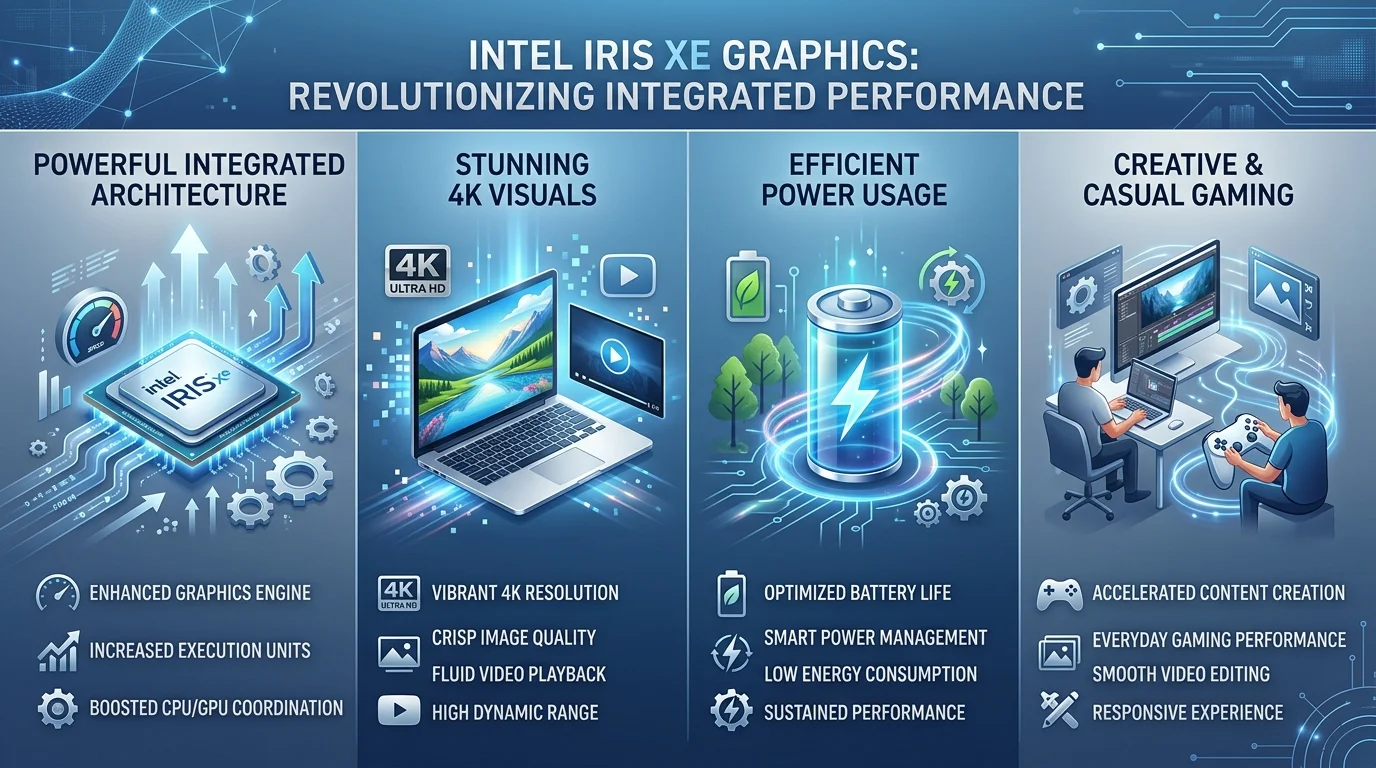
What Exactly Is Intel Iris Xe Graphics?
Before going further, let's get the basics straight. You need to understand what you're buying before spending your money on a new laptop.
Intel Iris Xe Graphics is built on Intel's Xe-LP architecture, which stands for "Low Power," for those keeping score at home. It launched with 11th Gen Tiger Lake processors in 2020, and it was a genuine leap forward from Intel's older UHD graphics.
Here's the detail that surprised me most: this chip packs up to 96 execution units (EUs), running anywhere from 1.1 GHz to 1.35 GHz depending on the processor.
The Dual Channel Memory Secret Nobody Tells You
Here's a detail that trips up a lot of buyers.
The Iris Xe branding is only available on laptops with dual channel memory.
If your laptop has single channel RAM instead, your GPU quietly downgrades to perform like the weaker Intel UHD Graphics.
My advice: always check the RAM configuration before you buy. This one detail can make or break your experience. If you're still shopping around, our guide on choosing the best laptops for video editing walks through exactly what specs matter most.
How Iris Xe Fits Into Intel's Current Graphics Lineup
Quick but important note: Iris Xe isn't Intel's newest integrated graphics anymore.
Since 2023, Intel has shifted newer chips (Meteor Lake, Lunar Lake, and beyond) to Arc branded integrated graphics, which build on the same Xe foundation but add improvements like AI accelerated upscaling (XeSS) and better ray tracing support.
If you're shopping in 2026, you'll likely see both Iris Xe (on older or budget 11th to 13th Gen laptops) and Arc Graphics (on newer models) side by side. Iris Xe still makes sense for budget conscious buyers; Arc is the better pick if you want the latest features.
Intel Iris Xe vs. Dedicated GPUs: Full Comparison
You're probably wondering how Iris Xe stacks up against actual dedicated graphics cards. Here's the data, pulled straight from benchmark testing:
GPU | Type | Execution Units / Shaders | Approx. Clock Speed | Gaming Performance Tier |
|---|---|---|---|---|
Intel Iris Xe (80EU) | Integrated | 80 EU | Up to 1.3 GHz | Similar to NVIDIA MX330 |
Intel Iris Xe (96EU) | Integrated | 96 EU | Up to 1.35 GHz | Similar to NVIDIA MX350 |
NVIDIA GeForce MX350 | Dedicated | 640 CUDA cores | N/A | Entry level dedicated |
NVIDIA GeForce MX450 | Dedicated | 896 CUDA cores | N/A | Noticeably faster than Iris Xe |
NVIDIA GeForce MX550 | Dedicated | Approx. 1024 CUDA cores | N/A | About 17% faster than MX450 |
Key takeaway: the 96EU Iris Xe variant performs roughly on par with a GeForce MX350 in 3DMark testing, while the 80EU version trails about 18% behind, landing closer to MX330 territory. The MX450 pulls ahead of both in most gaming benchmarks, but Iris Xe still holds its own for lighter titles and everyday productivity.
It's a trade off, and for most people, it's one worth making.
Step by Step: How to Know If Iris Xe Is Right for You
Let's make this practical. Here's exactly how to walk through this decision.
Step 1: Define your use case. Are you gaming competitively, editing 4K video professionally, or just browsing, streaming, and working in Adobe Creative Suite? Be honest with yourself here.
Step 2: Check the memory configuration. Confirm the laptop has dual channel RAM. Don't skip this step, since it directly affects performance.
Step 3: Match the EU count to your needs. If gaming matters even a little, go for the 96EU variant over the 80EU one. It's a meaningful jump.
Step 4: Compare against dedicated GPU alternatives in your budget. Sometimes a laptop with a discrete MX series GPU makes more sense. Sometimes it doesn't. Weigh it out.
Step 5: Look at battery life trade offs. This is where Iris Xe genuinely shines, offering better power efficiency than most laptops with dedicated GPUs.
Gaming Performance: What Can You Actually Play?
Let's talk gaming, since that's likely what many of you are here for.
Titles like Fortnite, Valorant, and League of Legends run smoothly at medium settings on Iris Xe. That's real, playable performance, not a compromise.
For heavier titles like Cyberpunk 2077 or Red Dead Redemption 2, you'll need to lower settings. But they will run.
For casual and esports gamers, this is more than enough.
Productivity and Creative Work: The Underrated Strength
This is where Iris Xe gets underrated.
For everyday productivity, like Microsoft Office, web browsing, and photo editing, it's rock solid, with no lag or stuttering.
It also supports OpenCL, which powers efficient parallel processing for video editing and 3D rendering in software like Blender or Premiere Pro. If you're setting up your creative workflow, check out our Adobe Creative Cloud download guide to get started. Thanks to Intel's Deep Learning Boost (DL Boost), AI based applications also run noticeably faster.
That's a lot of capability packed into a chip you're not paying extra for.
Power Efficiency and Thermal Management
Iris Xe typically operates within a 15 to 28 watt power envelope, staying well under 20 watts for light tasks.
That means longer battery life, cooler laptops, and less fan noise during work calls.
Intel built in dynamic frequency scaling and thermal throttling to keep things stable, even in thin, compact laptop chassis.
The Software Side: Intel Graphics Command Center
Don't overlook this part.
Intel Graphics Command Center lets you fine tune GPU settings based on what you're actually doing, whether that's gaming, streaming, or working. It's simple, intuitive, and helps you get more out of your hardware. On the Windows side, you can also try hardware-accelerated GPU scheduling, a setting that can make frame delivery smoother on some laptops.
Frequently Asked Questions
Is Intel Iris Xe Graphics good for gaming?
Yes, for casual and esports titles like Valorant, Fortnite, and League of Legends at medium 1080p settings. For AAA titles, you'll need to lower graphical settings significantly.
Does Intel Iris Xe Graphics support ray tracing?
No. Ray tracing support arrived with Intel's newer Arc branded graphics, not the original Iris Xe generation.
How does Iris Xe compare to the NVIDIA MX450?
The MX450 generally outperforms Iris Xe in gaming benchmarks, offering smoother frame rates thanks to dedicated memory and CUDA cores. Iris Xe compensates with better power efficiency and no added hardware cost.
Why does my laptop's Iris Xe perform worse than expected?
Check your RAM configuration. Iris Xe requires dual channel memory to run at full performance. Single channel RAM causes it to perform like the slower Intel UHD Graphics instead.
Is Intel Iris Xe still relevant in 2026?
It remains a solid option on budget and mid range laptops, though Intel's newer Arc integrated graphics (on Meteor Lake and Lunar Lake chips) have since taken over as the flagship integrated GPU option.
Why You Should Choose a Laptop with Intel Iris Xe Graphics
Here's the honest takeaway after all this research.
If you want a laptop that handles everyday work, casual gaming, 4K video playback, and creative projects without draining your battery in two hours, Iris Xe Graphics genuinely delivers.
You're not getting a gaming powerhouse, and nobody's claiming that. But you are getting excellent value, reliable performance, and a graphics solution that works right out of the box, at no extra cost.
For students, remote workers, casual gamers, and content consumers, this is one of the smartest choices you can make.
So next time you're browsing laptops, don't overlook the ones running Iris Xe, or its newer Arc branded successors. Give them a real shot.
Read Also: Imagine Credit Card Login (2026): Easy Guide