Quick answer: xFi Complete is an optional Xfinity add-on that bundles your gateway rental, unlimited data, and whole-home WiFi coverage for roughly $20–$25 per month. As of 2026, it's closed to new customers — Xfinity's newer plans include unlimited data and the gateway for free.
Now, here's the thing nobody told you.
I typed the official Xfinity URL for xFi Complete into my browser, hit enter, and landed somewhere completely different — a page for a product called Xfinity Pro. That redirect told me more than any support article could.
So if you're staring at a $25 line item on your Comcast bill wondering what you actually bought, you're in the right place. In this guide I'll explain what xFi Complete is, what it includes, what it costs, whether it's still worth paying for, and exactly how to check if you're overpaying.
No fluff. Let's get into it.
What Is xFi Complete? A Plain-English Definition
Before we go deep, let's nail the definition down, because a lot of the articles ranking for this term are vague on purpose. xFi Complete is an optional add-on for Xfinity Internet plans from Comcast. It bundles three things Xfinity would otherwise sell you separately: your xFi Gateway rental, unlimited data, and whole-home WiFi coverage with extenders. Think of it as a convenience package rather than a speed upgrade — and that distinction matters more than you'd expect.
Here's what's inside the bundle:
xFi Gateway — the combined modem and router Xfinity leases you
Unlimited data — removal of the standard 1.2 TB data cap
xFi Pods — mesh WiFi extenders, if a home assessment says you need them
xFi Advanced Security — network-level threat monitoring
Mobile security on the go for compatible phones
Notice what's not on that list? Faster speeds.
I want to be blunt about this, because it's the single biggest misconception I ran into while researching. Your download speed is determined by your plan tier, not by this add-on. xFi Complete may improve your real-world WiFi through better hardware and coverage — but it does not increase the bandwidth coming into your house.
Most people searching this term fall into one of three camps: you spotted a mystery charge, you're shopping for Xfinity, or you're a heavy user hunting for the cheapest fix to a data cap problem. I've written this to serve all three. Honestly? Camp one is the biggest — and for most of you, the answer is going to be "cancel it."
What's Actually Included in xFi Complete
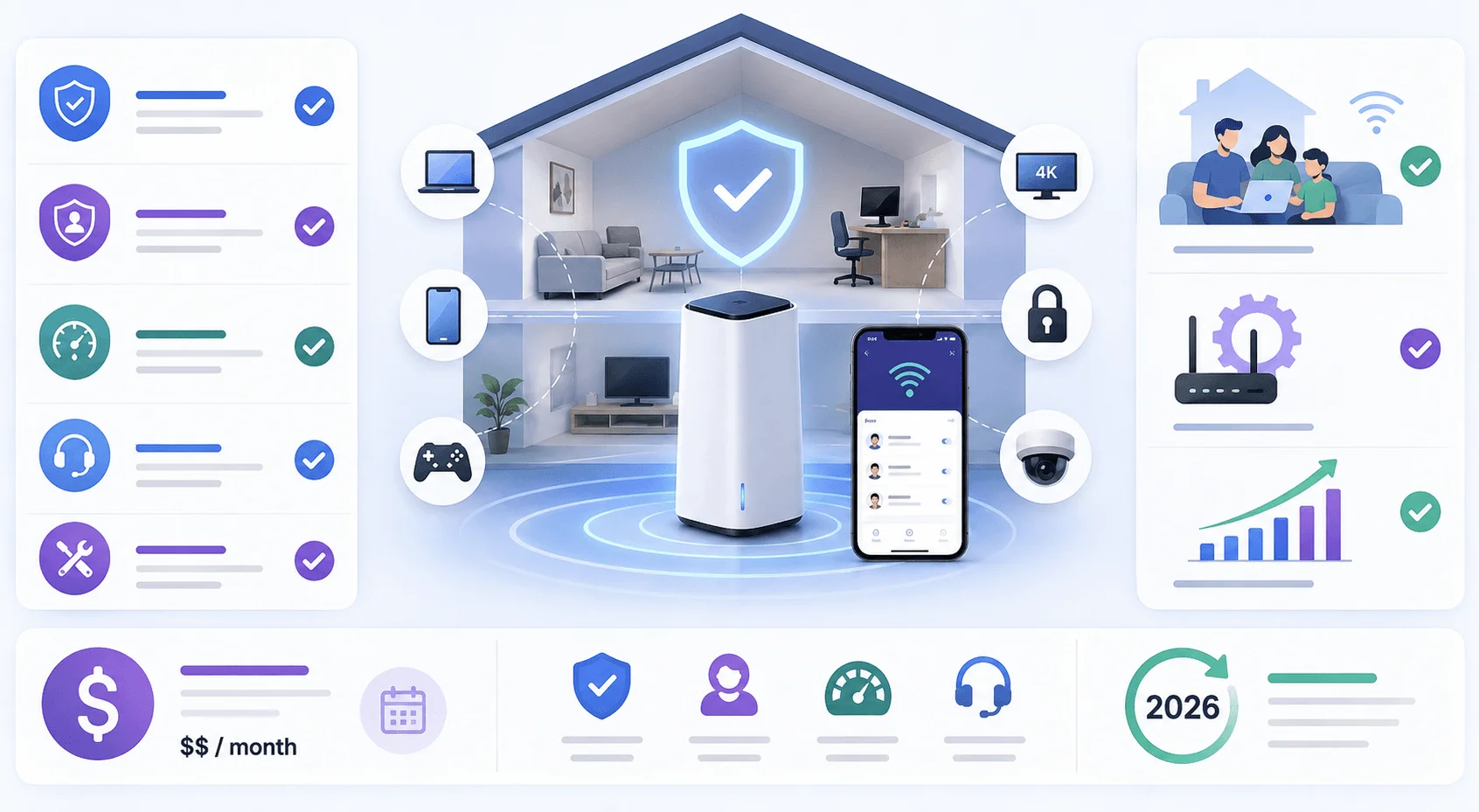
Let's break the bundle into parts, because the value lives almost entirely in one of them. When I priced out each component individually, the math got interesting fast — and it revealed why Comcast structured the package the way it did. Some pieces are genuinely useful. Others are marketing filler dressed up in a nice app interface. Here's the component-by-component reality, starting with the hardware.
The xFi Gateway (Your Modem and Router in One Box)
The xFi Gateway is Xfinity's branded modem-router combo. It's that white tower in your living room. On plans sold before mid-2025, renting it alone runs about $15/month — with xFi Complete, that rental folds into the bundle instead.
In 2026 you're likely looking at an XB7, XB8, or the newer XB10 with WiFi 7 support.
Now, one catch. xFi Complete requires an Xfinity Gateway as your primary router. Full stop. You can't keep your own approved modem and still get the benefits. Comcast has enforced this aggressively — customers running third-party gear have received notices that their unlimited data would be stripped unless they activated Xfinity hardware.
There's a tradeoff power users care about. The Gateway does both jobs in one box, which makes setup dead simple but limits customization. Some folks run a personal router behind it in bridge mode to get that control back. It works — it's just more moving parts.
Unlimited Data (The Only Feature That Really Moves the Needle)
This is the real reason xFi Complete ever existed, so pay attention here.
Legacy Xfinity plans come with a 1.2 TB monthly data cap. Blow past it and you're charged $10 per additional 50 GB, capped at $100 in overage fees per month. For context, 1.2 TB covers roughly 500 hours of HD streaming — and if those units feel abstract, our breakdown of how many GB are in a TB makes the math a lot easier to picture.
Buying standalone unlimited data costs $30/month. Gateway rental adds $15. That's $45 separately — versus roughly $25/month for the whole bundle.
That's a real discount. Credit where it's due.
But here's the part that made me raise an eyebrow: the data cap never applied everywhere. Customers in Connecticut, Delaware, Massachusetts, Maryland, Maine, New Hampshire, New Jersey, New York, Pennsylvania, Virginia, Vermont, West Virginia, Washington D.C., and parts of North Carolina and Ohio were already uncapped.
So if you live in the Northeast and you've been paying $25/month for xFi Complete, the headline feature was doing absolutely nothing for you.
Read that again.
xFi Pods and Whole-Home WiFi Coverage
xFi Pods are Xfinity's WiFi extenders. They create a mesh WiFi network that pushes signal into rooms your Gateway can't reach — the finished basement, the upstairs office, the back bedroom with thick plaster walls.
What makes mesh different from a cheap range extender? A traditional extender creates a second network name, so you're manually switching between "MyWiFi" and "MyWiFi_EXT" as you move around. A mesh network keeps one name and hands your device off to the strongest node automatically. Much better experience.
But — and this trips people up constantly — Xfinity does not automatically ship you pods when you subscribe. A WiFi assessment determines whether your home layout warrants them. Plenty of subscribers pay for whole-home WiFi coverage and never receive a single pod.
Does xFi Complete Include Security Features?
Yes. xFi Advanced Security is a network-level threat monitoring layer built into the Gateway. It watches traffic across every connected device — laptops, phones, smart TVs, doorbells — and blocks known malicious destinations. You manage it through the Xfinity app, alongside parental controls and device pause.
The Gateway also supports WPA3 encryption, the current wireless security standard. That said, no amount of built-in security helps if your network password is weak or shared with half the neighborhood — so it's worth reviewing how to change your WiFi password while you're auditing your setup.
A companion feature, Advanced Security on the go, extends protection to your phone off your home network. It requires iOS 14 or later, or Android 10 or later.
Useful? Sure. Worth $25/month on its own? Not remotely.
How Much Does xFi Complete Cost in 2026?
Pricing is where most articles get sloppy, so let me be precise. xFi Complete cost has landed between $20 and $25 per month depending on your market and signup date, added on top of your base internet price. Promotional pricing muddies this — I've seen accounts showing $10/month promo rates that jump to $25 once the promo expires. Always check the post-promo number, not the teaser.
Item | Monthly Cost |
|---|---|
xFi Complete bundle | $20–$25 |
xFi Gateway rental alone | ~$15 |
Standalone unlimited data | ~$30 |
Gateway + unlimited separately | ~$45 |
Xfinity Pro (replacement) | $15 |
Prices vary by region. Check your actual bill.
Is xFi Complete Still Available? The 2026 Status Change
This is the section that separates this article from every other one you'll read today.
xFi Complete is no longer available to new customers. It's a legacy product, and Comcast has been methodically retiring it.
Here's what happened. In 2025, Comcast restructured its national internet plans around an everyday pricing model. Those newer tiers include unlimited data and the Xfinity WiFi Gateway at no extra cost, baked into the plan price.
Think about what that does to xFi Complete. If the cap is gone and the Gateway is included, there's nothing left in the bundle to sell you.
Xfinity support representatives have confirmed this on the official community forums: existing customers on older packages can still add it, while newer plans include those benefits free.
xFi Complete vs Xfinity Pro: What's the Difference?
Since the old xFi Complete page now redirects to Xfinity Pro, you'd be forgiven for assuming they're the same product renamed. They're not — and an Xfinity representative said so directly, confirming the two differ and that xFi Complete remains legacy-only.
Feature | xFi Complete | Xfinity Pro |
|---|---|---|
Monthly price | $20–$25 | $15 |
Unlimited data | Yes (legacy plans) | No — included in plan |
Gateway included | Yes | Yes |
WiFi extenders | xFi Pods, if assessed | Up to 2, if recommended |
4G LTE backup | No | Yes |
Battery backup | No | Optional, $60 one-time |
Available to new customers | No | Yes |
Xfinity Pro shifts the pitch entirely. Instead of data and coverage, you're buying resilience: a Pro WiFi Extender with 4G LTE backup that keeps you online during a network outage, plus optional Battery Backup that holds the connection up to four hours in a power outage.
Different product. Different problem. Don't let the redirect confuse you.
Is xFi Complete Worth It? My Honest Take
Let me give you a straight answer instead of hedging, because you came here for a decision. Whether xFi Complete is worth it comes down to two questions: are you on a legacy plan, and do you actually exceed the data cap? If either answer is no, you're likely burning money every month. Here are both sides so you can check yourself in thirty seconds.
Keep it if:
You're on an older, capped Xfinity plan
You live in a market where the 1.2 TB data cap genuinely applies
You routinely blow past it — 4K streaming on multiple TVs, huge game downloads, heavy work-from-home uploads
Your home has real dead zones and pods are actually deployed
Cancel it if:
You're on a newer plan that already includes unlimited data and the Gateway (you're double-paying)
You're in a Northeast no-cap market
You use well under 1.2 TB a month
Your WiFi already reaches everywhere fine
I came across a customer case that sums up the third camp perfectly: someone streaming TV on two sets, no coverage complaints, no overage history — paying $25/month for what a technician described as a nice-to-have rather than a must-have.
That's a lot of people. It might be you.
Step-by-Step: How to Check If You're Overpaying
Don't take my word for it. Spend five minutes and verify.
Check your actual data usage. Sign into My Account or open the Xfinity app and find the data usage meter. Look at six months, not one. Consistently under 1.2 TB? The main benefit is worthless to you.
Confirm whether your market even has a cap. Cross-reference your state against the Xfinity data usage page. Northeast customers, this is your moment.
Identify your plan generation. Newer everyday-pricing plans already include unlimited data and the Gateway. If you're on one and still see an xFi Complete line item, that's a billing overlap worth a phone call.
Count your pods. Look around. Do you actually have xFi Pods installed? If not, you're paying for whole-home WiFi coverage you never received.
Ask for a quote without it. Call or chat Xfinity and ask exactly this: "What would my monthly bill be without xFi Complete?" Get the number before you decide.
Decide. Not exceeding the cap and not using pods? Remove it. Heavy user on a legacy capped plan? Keeping it is genuinely cheaper than buying unlimited data standalone.
Alternatives Worth Considering
If you drop xFi Complete, you've got options. Buy your own DOCSIS 3.1 modem and router to kill the rental fee permanently — but note Comcast retired all DOCSIS 3.0 models from its approved list, so don't buy used gear without checking. You could upgrade to a newer plan where unlimited data is baked in. Or, if outages are your real pain point, Xfinity Pro solves a different problem for less.
Frequently Asked Questions About xFi Complete
Is xFi Complete still available in 2026?
Not for new customers. xFi Complete is now a legacy product. Existing customers on older, capped Xfinity plans can generally keep or add it, but newer everyday-pricing plans include unlimited data and the gateway at no extra cost, making the add-on redundant.
Does xFi Complete increase your internet speed?
No. Your speed is set by your plan tier, not by xFi Complete. The add-on can improve real-world WiFi performance through a newer gateway and better coverage from xFi Pods, but it doesn't increase the bandwidth delivered to your home.
Can you use your own router with xFi Complete?
Not as your primary device. xFi Complete requires an Xfinity Gateway to unlock its features, including unlimited data. You can place your own router behind the gateway in bridge mode for more control, but the Xfinity hardware must stay active on the account.
How do you cancel xFi Complete?
Call Xfinity or use the chat in your account dashboard and request removal. Ask for your new monthly total first. Unlike app-based subscriptions — which you can cancel yourself in seconds — this one usually requires speaking to a representative.
Is xFi Complete the same as Xfinity Pro?
No. An Xfinity representative confirmed on the official forums that they're different products. Xfinity Pro costs $15/month and focuses on 4G LTE backup and WiFi extenders, while xFi Complete centered on unlimited data and gateway rental for legacy customers.
Do you automatically get xFi Pods with xFi Complete?
No. Xfinity performs a WiFi assessment to determine whether your home layout actually needs them. Many subscribers pay for whole-home WiFi coverage and never receive pods because their home didn't qualify.
The Bottom Line
xFi Complete was a smart bundle for a specific customer: the heavy data user on a capped legacy plan who wanted unlimited data, a Gateway, and mesh WiFi without paying à la carte. For that person, it saved real money.
For everyone else? It's a $25 monthly habit that outlived its purpose.
And in 2026, the product itself is fading — closed to new customers, replaced on the shelf by Xfinity Pro, and made redundant by plans that include its best features for free.
So go pull up your bill. Check your data usage. Then make the call.
Because the only thing worse than paying for something you don't need is paying for it for three more years without noticing.
Read more: How to Cancel xFi Complete: Step-by-Step (2026)