Quick answer: You can cancel xFi Complete by using Xfinity's self-serve Plan Builder tool to switch to a modem-only plan or activate your own device no phone call required in most cases. If that option isn't available on your account, you can send a Direct Message to Xfinity Support through the Community Forum to request the change. Before you do either, confirm your old equipment has actually been returned, since that's the #1 reason this charge sticks around.
I still remember the exact moment I noticed it.
I was scrolling through my Xfinity bill, half paying attention, when a line item stopped me cold: xFi Complete, $25.00.
Wait, what?
I don't even remember signing up for that.
If you're here, I'm guessing something similar just happened to you. Maybe you spotted a charge you didn't recognize. Maybe your promo period just ended and your bill jumped overnight. Or maybe you already know what xFi Complete is, and you've simply decided it's not worth the money anymore.
Whatever brought you here, I've got you.
In this guide, I'm going to walk you through how to cancel xFi Complete, why the charge shows up in the first place, and exactly what steps to take so you don't get stuck paying for something you don't need. This isn't a copy-paste "call customer service" article I dug through real Xfinity Community Forum threads, official support pages, and actual customer experiences to put this together.
Let's get into it.
What Is xFi Complete (And Why Is It On Your Bill)?
Before you cancel something, it helps to actually understand what you're canceling. So let's clear that up first.
xFi Complete is Xfinity's bundled add-on that combines your xFi Gateway rental, unlimited data, and Xfinity's xFi Advanced Security feature into one monthly charge — typically $20 to $25 per month. If you want the full breakdown of pricing and what's included, I covered that in detail in my xFi Complete overview.
Here's the thing, though.
A lot of people never actively chose it. It's often baked into a promotional plan, added automatically after a home WiFi evaluation, or left over from an old package that got restructured. And when the promo period ends, that charge can jump significantly with zero warning something multiple customers have flagged directly on the official Xfinity Community Forum.
So no, you're not imagining things. This happens a lot.
Why Is xFi Complete Suddenly Charging You?
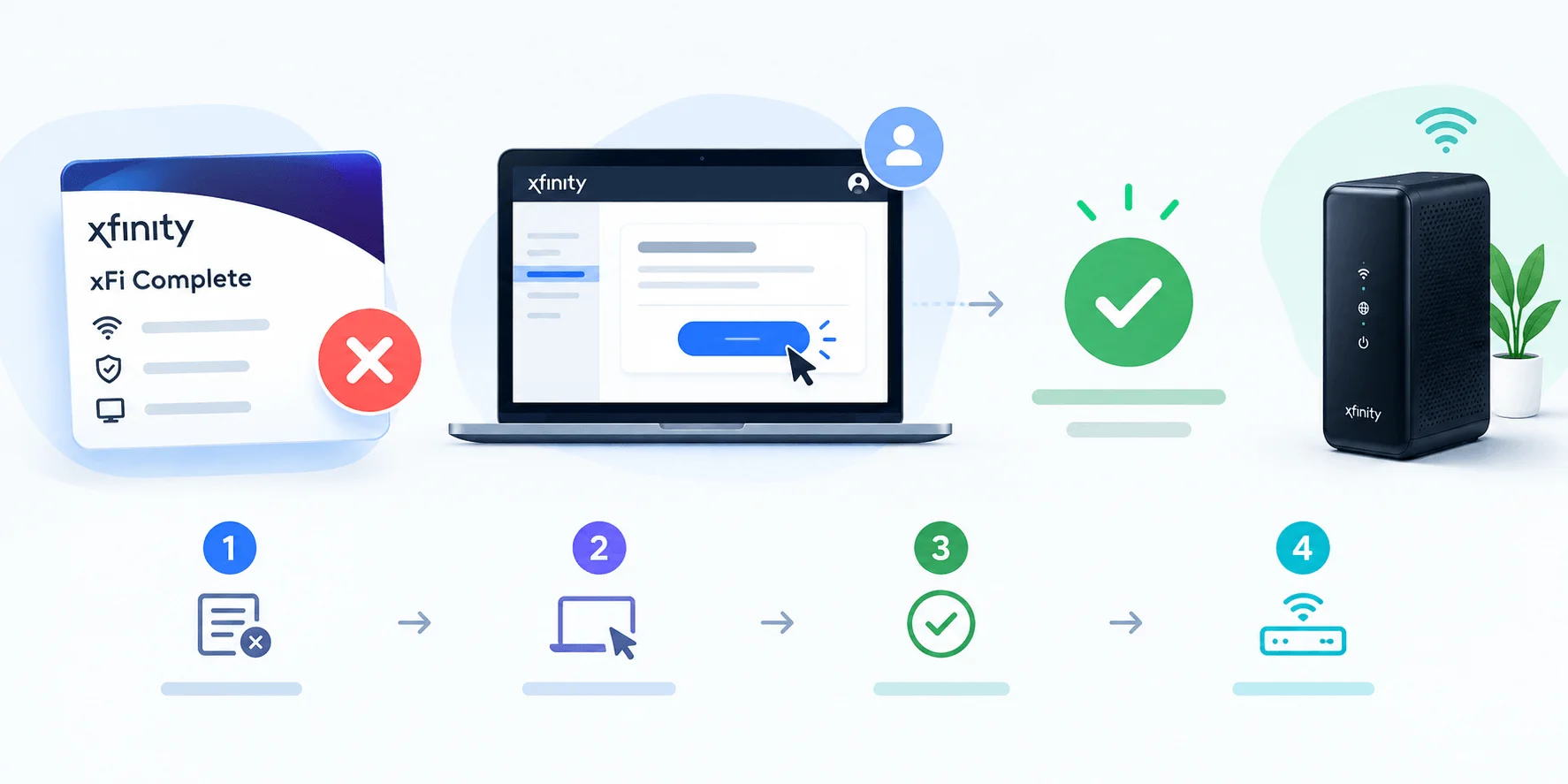
This is the part almost nobody explains clearly, and it drove me a little nuts while researching this.
There are actually two completely different reasons you might be seeing this charge, and they require two completely different fixes.
Reason 1: You Never Returned Your Old Equipment
Here's a real exchange I found on the Xfinity forums that sums this up perfectly. A customer said they had their own router, didn't use Xfinity's equipment, and still got hit with the charge. Turns out, they'd swapped modems but never returned the old one.
An official Xfinity support rep confirmed it directly: if you're using your own modem, there shouldn't be an xFi Complete charge at all but the fee sticks around until Xfinity's system registers that your old gateway has actually come back to them. Based on the pattern across dozens of forum threads I reviewed, this is by far the single most common cause behind an "I didn't sign up for this" charge. You can check Xfinity's official equipment return page to see your return options, including UPS drop-off and in-store returns.
Moral of the story? If you switched equipment recently, check your return status before you do anything else.
Reason 2: Your Promo Period Ended
The second reason is simpler, and honestly, a bit sneakier.
Xfinity sometimes includes xFi Complete free for the first 12 months as part of a promotional bundle. Once that year is up, the charge kicks in automatically and based on what I found in customer threads, the notice you get about this is minimal at best.
One customer on the forums described their bill jumping by 44% in a single month with, in their words, no notice at all. If that sounds familiar, you're not alone.
Should You Actually Cancel xFi Complete?
Okay, quick gut check before you pull the trigger.
Canceling xFi Complete doesn't mean you get a free lunch it usually just means unbundling the pieces, which can shift your costs around. Here's how the main paths actually compare:
Option | Monthly Cost | Best For | Trade-off |
|---|---|---|---|
Keep xFi Complete | $20–$25 | Heavy data users in capped markets who need Pods | Highest bundled price |
Downgrade to modem-only (Xfinity gateway) | ~$15 | People who don't need unlimited data | Data cap applies again |
Cancel entirely, use your own modem | $0 rental (+ $30 if you add unlimited data separately) | People who already own compatible equipment | No bundled security/Pods |
For more on whether the bundle makes sense for your situation, including a full cost comparison against Xfinity Pro, see my in-depth breakdown.
Cancel it if:
You already own a compatible modem
You rarely or never hit the data cap
Your WiFi coverage is fine without xFi Pods
If you're on the fence about coverage specifically, my guide on how to improve your WiFi signal walks through fixes that don't require paying for Pods at all.
Keep it if:
You're a heavy data user in a capped market
You genuinely rely on the mesh WiFi coverage from Pods
The bundled price still beats buying the pieces separately
Take five minutes, run your numbers against the table above, and then move to the next section.
How to Cancel xFi Complete: Step-by-Step
Alright — here's the part you actually came for.
Based on what I found across multiple real support threads, there are a few different paths depending on your situation. I'll walk you through each one.
Step 1: Log Into Your Xfinity Account
Start at xfinity.com and sign into My Account. This is where you'll do most of the legwork, whether you're checking your plan details or initiating a change.
Step 2: Try the Plan Builder Tool First
Here's something a lot of older guides miss.
According to a more recent Xfinity support response on the community forum, customers can now often self-serve this cancellation using Xfinity's Plan Builder tool no phone call required. You can use it to either:
Switch to a leased-modem-only plan, or
Activate your own compatible device
This is honestly the cleanest path if it's available on your account, so try this before anything else.
Step 3: Check Your Equipment Return Status
If you recently swapped or upgraded your modem, this step is critical.
Head to the equipment return page and confirm your old gateway has actually been logged as returned. Remember the charge often won't disappear until this is confirmed on Xfinity's end, even if you dropped it off weeks ago.
Step 4: Contact Xfinity Support Directly (If Plan Builder Doesn't Work)
If self-service isn't cutting it, you'll need to loop in an actual human. Based on the pattern I saw across dozens of forum threads, here's the process Xfinity reps consistently walk customers through:
Click the Direct Message icon (usually in the top-right corner of the Xfinity site or forum)
Start a new message
Type "Xfinity Support" in the recipient field and select it from the dropdown
Include your full name and service address
Explain that you want to remove or downgrade xFi Complete
A rep will typically confirm your options modem-only rental, your own equipment, or a full plan change — and send you an order to review and approve.
Step 5: Ask for the New Total Before You Confirm
This one's simple but easy to forget in the moment: always ask for your new monthly total before approving any change. Get the number in writing (or in the chat transcript) so there's no surprise on your next bill.
Step 6: Double-Check Your Next Bill
Give it one billing cycle, then go back and actually verify the charge is gone. Billing systems aren't perfect, and a few customers on the forums reported needing a follow-up message when a charge didn't drop the first time.
A Quick Warning About Scam "Cancellation" Sites
I have to flag this because it genuinely surprised me during research.
While digging around, I ran into multiple fake "customer service" pages some even sitting on legitimate-looking domains listing phone numbers and instructions that have nothing to do with real Xfinity support. These pages are designed to look official, but they're not affiliated with Comcast or Xfinity at all.
Here's my honest advice: only use Xfinity's official site, the official Community Forum, or the Xfinity app to manage your account. If a page you find through a search engine is pushing you toward a random 1-800 number with no official branding, close the tab.
While you're reviewing your account for unwanted charges, it's also worth doing a quick security check see my guide on how to change your WiFi password if you haven't updated it recently
Frequently Asked Questions
Can I cancel xFi Complete without calling Xfinity?
Yes, in many cases. The Plan Builder tool inside your Xfinity account lets you self-serve this change by switching to a modem-only plan or activating your own device, without a phone call.
Will I get a refund if I was overcharged?
Possibly. If the charge was due to an equipment return issue, reps have confirmed on the forums that the fee stops once your return is processed but you may need to specifically ask about backdated charges.
What happens to my WiFi if I cancel xFi Complete?
Your internet speed stays exactly the same — xFi Complete never affected your bandwidth. What can change is your WiFi coverage if you were relying on xFi Pods, and your data cap exposure if you're in a capped market.
Is there an early termination fee?
If you're mid-contract, canceling the bundle itself typically isn't the same as canceling your whole internet service, so an early termination fee usually doesn't apply but it's worth confirming with a rep for your specific agreement.
How is this different from canceling my Xfinity app subscriptions?
It's not related. xFi Complete is a billing add-on tied to your internet plan, not an app subscription. If you're also looking to clean up app-based subscriptions on your phone, my guide on how to cancel a subscription on iPhone covers that separately.
Is xFi Complete the same as canceling my whole internet service?
No. Canceling or downgrading xFi Complete only removes the bundled add-on — your base internet plan stays active. This is different from a full account cancellation, which requires a separate process.
The Bottom Line
Canceling xFi Complete isn't complicated once you know which problem you're actually solving an equipment return issue, an expired promo, or a genuine "I don't need this anymore" decision.
Start with the Plan Builder tool, confirm your equipment return status, and if that doesn't resolve it, send a direct message to Xfinity Support with your account details ready to go.
Five minutes of checking could save you hundreds of dollars a year.
So go pull up your account, run through these steps, and get that charge handled.
Read more: What Is xFi Complete? Cost, Features & 2026 Status