You sign in to Amazon Vine using your regular Amazon.com email and password at amazon.com/vine — there's no separate account or login page. Access is invite-only for reviewers (called Vine Voices) and eligibility-based for sellers through Seller Central. Once signed in, first-time users must accept the program's terms covering review expectations and tax reporting.
That's the short version. Now let's break down exactly how it works, what trips people up, and how to fix the most common access problems.
What Is Amazon Vine, Really?
Before we jump into the login steps, you need context. Because signing in means nothing if you don't understand what you're signing into.
Amazon Vine is a program that enables a select group of Amazon customers to post opinions about new items to help their fellow customers make educated purchasing decisions. That's Amazon's own definition, and it's pretty accurate.
Here's what that actually means for you:
You get invited — you can't apply
You receive free products from brands enrolled in the program
You write honest reviews in exchange (positive, negative, or mixed)
Amazon doesn't edit or influence what you write
This program has been running since 2007. According to Wikipedia's breakdown of Amazon Vine, it operates independently across multiple Amazon marketplaces, including the US, UK, France, Germany, Canada, and Spain, with additional countries added in recent years.
Selected members are called Vine Voices, and that title carries real weight inside the Amazon trust ecosystem. If you're a seller trying to understand the other side of this relationship, our Amazon Vine seller enrollment guide breaks down ASIN limits and fees in detail.
Reviewer Sign-In vs. Seller Sign-In: Quick Comparison
The sign-in process looks different depending on whether you're a Vine Voice or a seller. Here's how the two paths compare side by side.
Feature | Reviewers (Vine Voices) | Sellers |
|---|---|---|
Entry point | amazon.com/vine or invitation link | Seller Central → Advertising → Vine |
Credentials needed | Regular Amazon.com email/password | Regular Seller Central login |
Access requirement | Vine invitation (invite-only, no application) | Professional selling account + Brand Registry or generic catalog + eligible FBA offers |
Cost to access | Free | Enrollment fee per ASIN batch |
What you see after login | Product requests, review deadlines, activity history | ASIN slots, enrollment status, reviewer activity |
Why There's No Separate Amazon Vine Login Page
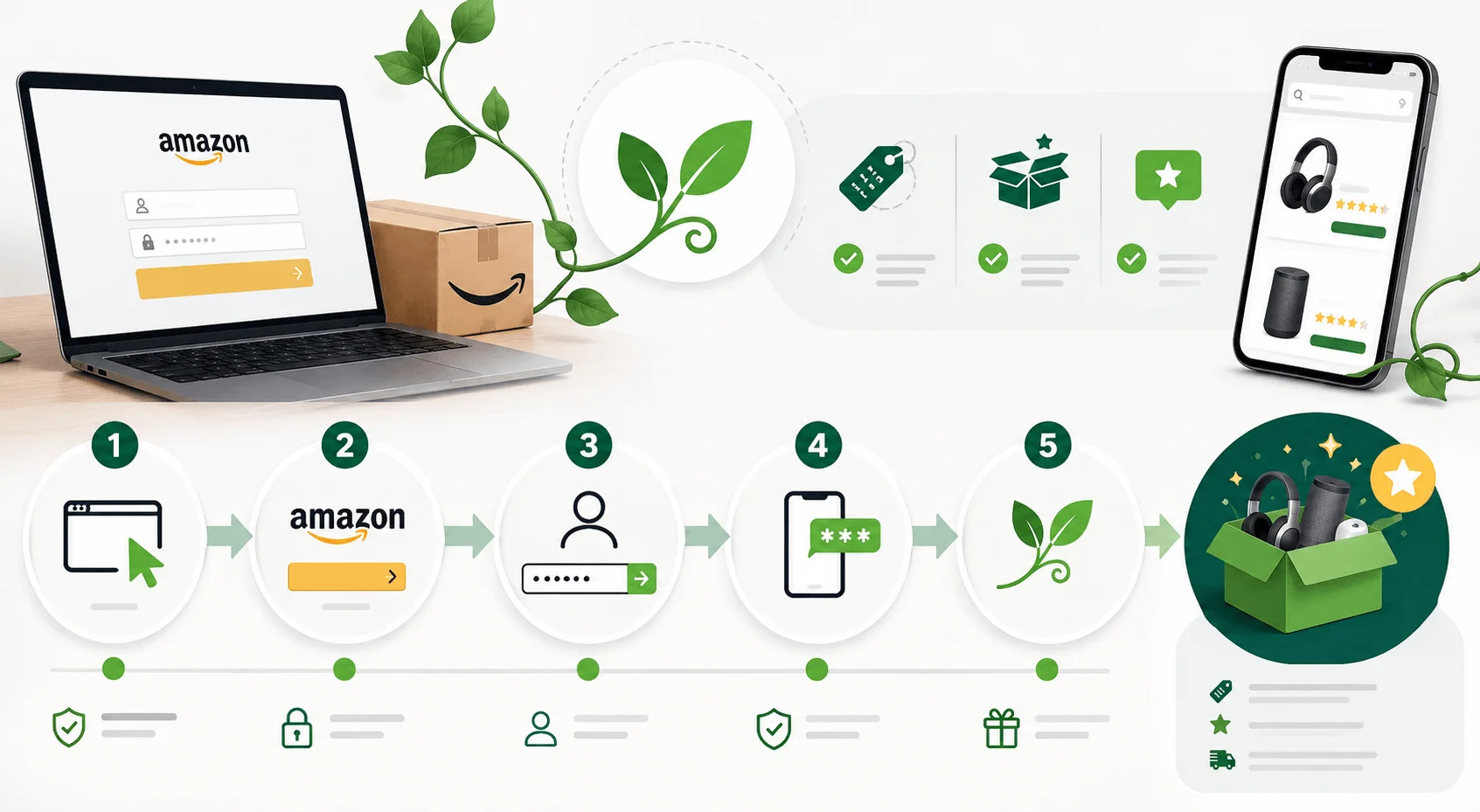
This confuses so many people, so let's clear it up right now.
You will not find a standalone Amazon Vine login portal with its own username and password system. It doesn't exist. If you Google "Amazon Vine login page" and land on some third-party site asking for extra credentials — close that tab immediately.
Amazon built Vine directly on top of your existing Amazon account. Same email, same password, same two-step verification you already use for regular shopping.
The only real "gateway" is your invitation. Without one, the Vine dashboard simply won't load for your account — you'll either get redirected to the regular Amazon homepage or hit an error page.
Step-by-Step: How to Sign In to Amazon Vine
Here's the part you actually came here for. Let's break this down into simple steps.
Step 1: Go to Amazon.com and Click "Sign In"
Head to Amazon's website and click the "Hello, sign in" button near the top-right corner. This is the same login button you'd use to check an order or browse deals.
Step 2: Enter Your Regular Amazon Credentials
Type in the email address or phone number tied to your Amazon account, hit continue, then enter your password.
Quick tip — if you have two-step verification turned on, Amazon may prompt you for a one-time code sent to your phone or authenticator app. Complete that before moving on.
Step 3: Access the Vine Portal
Here's where it branches depending on who you are:
If you're a reviewer (Vine Voice): Open your Vine invitation email and click the direct link. Or, if you're already enrolled, navigate to amazon.com/vine directly in your browser.
If you're a seller: You won't use the consumer-facing portal at all. Instead, log into Seller Central, hover over the Advertising tab, and select Vine from the dropdown menu. For a full breakdown of eligibility and pricing, see our Amazon Vine for sellers guide.
Step 4: Accept the Program Terms (First-Time Users Only)
The first time you access Vine, you'll be asked to accept Amazon's Conditions of Use and Privacy Notice, along with terms specific to the Vine program — things like review expectations and tax reporting obligations.
Don't skip reading these, especially the tax section below.
Step 5: You're In
Once you've cleared those steps, your Vine dashboard should load. Reviewers see available products, request history, and review deadlines. Sellers see enrollment status, ASIN slots, and reviewer activity.
Common Amazon Vine Sign-In Problems (and How to Fix Them)
Even with such a simple system, things go sideways sometimes. Here's what usually causes it — and how you fix it.
Problem 1: You're Signed In, But No Vine Dashboard Appears
This almost always means one thing: you haven't been invited yet. There's no application process for becoming a Vine Voice. Amazon states that customers are invited based on the trust they've earned in the Amazon community for writing accurate and insightful reviews.
Fix: Keep writing genuinely helpful, detailed reviews on products you've purchased. That's the only "application" that works. For tips on writing reviews that get noticed, check our guide to becoming a Vine Voice.
Problem 2: You're Using the Wrong Amazon Account
If you have multiple Amazon accounts, make sure you're logging into the exact account that received the invitation email, or the one with your enrolled Seller Central listings.
Fix: Check the invitation email header for the associated address, then sign out and back in with the correct one.
Problem 3: Layout or Loading Issues
The Vine dashboard doesn't always play nice with mobile browsers.
Fix: Switch to desktop, clear your browser cache, or open an incognito window. This resolves the vast majority of rendering glitches.
Problem 4: Sellers Don't See the Vine Option in Seller Central
If Vine isn't showing under your Advertising tab, it's an eligibility issue, not a login issue.
According to Amazon's official seller page for Vine, participation requires a Professional selling account, plus a Brand Representative or Reseller role tied to an enrolled Brand Registry brand (or generic catalog products), along with eligible Fulfillment by Amazon (FBA) offers.
Fix: Confirm your Brand Registry status and FBA eligibility before assuming it's a technical bug.
What Happens After You Sign In: Tax and Review Obligations
This part matters more than people realize, so let's not gloss over it.
Tax Reporting
Once you're inside as a Vine Voice, the products you receive aren't exactly "free" in the eyes of the IRS. Amazon issues 1099-NEC forms to Vine reviewers who receive products valued at $600 or more during a calendar year. The taxable value is generally based on the product's list price at the time of enrollment — not what it's actually worth to you.
Check the tax section inside your Vine account dashboard before accepting high-value items, especially if you're stacking up electronics or appliances.
Review Completion Requirements
Amazon expects Vine Voices to actually use the product before submitting a review, and to maintain a minimum review completion rate — currently 60%, raised from 50% in January 2024. Fall below that threshold, and your access level can shrink, informally nicknamed "Vine jail" by longtime members. Higher-tier accounts (Gold tier) require a stricter completion rate and unlock larger daily product caps.
Sign-In Checklist Before You Get Started
Quick recap so you don't have to scroll back up:
✅ Use your existing Amazon.com email and password — no separate account needed
✅ Confirm you have an active invitation (reviewers) or eligibility (sellers)
✅ Head to amazon.com/vine or your invitation link
✅ Sellers go through Seller Central → Advertising → Vine
✅ Accept the terms and tax disclosures on first login
✅ Use desktop for the smoothest experience
✅ Double-check you're logged into the right account
Frequently Asked Questions About Amazon Vine Sign In
Is there a separate Amazon Vine login page?
No. You sign in with your regular Amazon.com email and password. The only difference is accessing the dashboard through your invitation link or amazon.com/vine — there's no standalone registration or credential system.
Why can't I access the Amazon Vine dashboard after signing in?
You likely haven't received a Vine invitation yet. Access is invite-only and based on your history of writing helpful, trusted reviews. There's no application form to speed this up.
Do sellers and reviewers use the same login?
They use the same Amazon account system, but different entry points. Reviewers go through amazon.com/vine, while sellers access Vine through Seller Central under the Advertising menu.
Is Amazon Vine free to join as a reviewer?
Yes, joining as a Vine Voice costs nothing. You receive products for free in exchange for honest reviews. Enrollment fees apply only to sellers submitting products, not to reviewers.
How long does it take to get Vine access after signing in?
If you're already invited, access is immediate after accepting the program terms. If you haven't been invited, there's no fixed timeline — it depends on your ongoing review activity and reputation.
Can I lose access to Amazon Vine?
Yes. Falling below the 60% review completion rate, submitting low-effort reviews, or violating program terms can reduce your access level or result in removal from the program entirely.
Do Vine Voices pay taxes on the products they receive?
Yes, if the total value of products received exceeds $600 in a calendar year, Amazon issues a 1099-NEC form based on the products' list price at enrollment.
Final Thoughts
Signing into Amazon Vine isn't complicated once you understand there's no secret portal, no extra password, and no shortcut around the invitation system. It's your regular Amazon account, a direct link, and a bit of patience if you're still waiting for that invite.
Focus on writing genuinely useful reviews, keep your completion rate above 60%, and the rest tends to fall into place. For more on maximizing your Vine status, check out our complete Vine Voice tier guide.
Read more: eLeads login guide and Coyyn.com review