"Your organization's data cannot be pasted here" is a clipboard-block error caused by a Microsoft Intune Application Protection Policy, and it stops you from copying data out of a managed corporate app into a personal or unmanaged one. It shows up in Outlook, Word, Excel, PowerPoint, and Teams, on desktop, Android, and iOS. Most cases require an IT admin to resolve, though a few are fixable on your own through an app update or restart. Below, I'll walk you through exactly why it happens and how to fix it, whether you're the person stuck staring at the error or the admin fielding the ticket.
What Does "Your Organization's Data Cannot Be Pasted Here" Actually Mean?
This message appears when Microsoft Intune stops you from moving text out of a "managed" app into an "unmanaged" one.
Think of it like a bouncer at a club. Outlook, Word, SharePoint, and Teams are on the VIP list. Your personal Gmail, WhatsApp, or a random notes app? Not so much. When you try to move data from the VIP section into the general crowd, the bouncer steps in.
According to Microsoft's own documentation on app protection policies, this control is enforced through Mobile Application Management (MAM), sometimes layered with Microsoft Purview Data Loss Prevention rules at the tenant level. Both exist to keep sensitive company data from leaking into places IT can't monitor.
The Two Variants You Might See
Not every version of this error is identical, and mixing them up is the most common source of confusion.
Variant | Trigger | Configured In |
|---|---|---|
App-level block — "your organization's data cannot be pasted here" | Copying from a managed app to an unmanaged app | Intune App Protection Policy |
Tenant-level block — "pasting this content here is blocked by your administrator" | Copying from a file with a sensitivity label like "Highly Confidential" | Microsoft Purview DLP |
Same root goal — data protection — but different plumbing, and different fix paths, as covered in the sections below.
Why Does This Error Happen? (The Real Reasons)
1. Application Protection Policies Are Doing Their Job
IT administrators configure these policies through the Microsoft Endpoint Manager admin center to control exactly how data moves between apps. Per Microsoft's Q&A documentation on endpoint DLP, admins can specifically enable a rule to block data from being copied from a protected file to the clipboard — meaning the block can happen before you even attempt the paste.
2. Sensitivity Labels and DLP Rules
If a document carries a sensitivity label, Purview DLP can intercept the clipboard action at the source. This is set up in Endpoint DLP settings inside the Microsoft Purview compliance portal, where admins tie a DLP rule to specific sensitive information types, such as financial data or credit card numbers.
3. Outdated Office Apps
Sometimes there's no real policy conflict at all — your Office apps are just out of sync with each other. Older builds can misread Intune's signals and throw the error even when nothing should be blocked.
4. Character Limits
You might also see a message like "only 250 characters are allowed." This is a separate, finer-grained clipboard setting admins use to stop bulk data extraction, even between two approved apps.
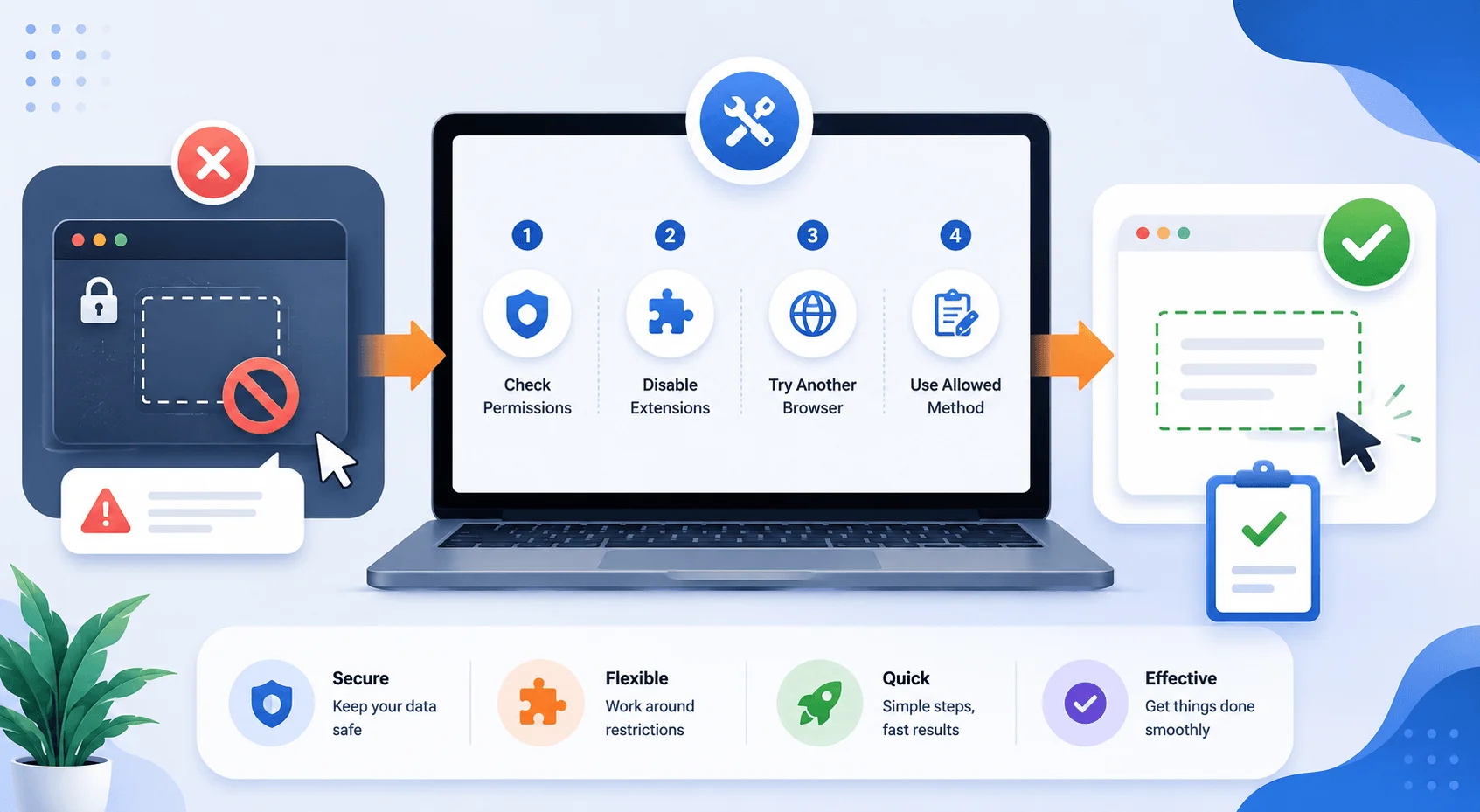
Step-by-Step Guide:
Step 1: Update Your Office Apps
Open any Office app.
Go to File > Account > Update Options > Update Now.
Let it download and install pending updates.
Close and reopen the app.
Step 2: Restart Your Device
Temporary software glitches cause this more often than you'd expect, particularly on mobile devices where clipboard sandboxing can get stuck.
Step 3: Try a Web-Based Version of Office
Browser-based Office apps sometimes handle clipboard permissions differently and can bypass a temporary glitch.
Step 4: Create a New File
If the error only happens with one document, that file might be corrupted or carrying an unexpected sensitivity label.
Create a new file.
Paste your copied content there.
If it works, your original file likely needs repairing or duplicating.
Step 5: Check If It's a Real Policy (Not a Bug)
Ask yourself: are you moving data from a corporate app into a personal one? If yes, this is almost certainly the policy working as intended, not a glitch.
Step 6: Contact Your IT Department
If you need a genuine exception, your admin can:
Adjust the Intune Application Protection Policy under "Restrict cut, copy, and paste between other apps"
Add the target app to the trusted apps list
Update the Purview DLP rule to allow the specific transfer
Standard users can't make these changes themselves — that restriction is by design.
For IT Admins: How to Adjust the Policy Safely
Sign into the Microsoft Endpoint Manager admin center.
Navigate to Apps > App Protection Policies.
Under Data Protection, find Restrict cut, copy, and paste between other apps.
Set it to Policy managed apps to allow transfers within your managed app ecosystem while still blocking personal apps.
Adjust the cut and copy character limit if bulk-copy is the concern rather than a full block.
Test with a pilot user before rolling out company-wide.
Per admin community reports on this rollout process, policy changes typically take up to 30 minutes to propagate across enrolled devices, so don't assume a fix has failed just because it isn't instant.
For related access and permissions issues, see our guide to managing Intune-enrolled devices and setting up Microsoft Purview sensitivity labels.
Comparing the Two Blocking Mechanisms
Feature | Intune App Protection Policy | Purview DLP (Tenant-Level) |
|---|---|---|
Error message | "Your organization's data cannot be pasted here" | "Pasting this content here is blocked by your administrator" |
Scope | App-to-app clipboard transfer | Sensitivity-labeled content across the tenant |
Configured in | Endpoint Manager admin center | Microsoft Purview compliance portal |
Fixable by user? | ❌ No | ❌ No |
Common trigger | Copying from managed to unmanaged app | Copying from a "Confidential"-labeled file |
Quick-Reference: Symptom → Fix
Symptom | Likely Cause | Fix |
|---|---|---|
Error only in one document | Corrupted file or odd label | Create new file, re-paste |
Error across all documents | Active Intune/DLP policy | Contact IT admin |
"Only X characters allowed" | Clipboard character limit | Admin adjusts limit in Intune |
Error after Office update | Version mismatch | Update all Office apps to same build |
Error only on mobile | MAM clipboard sandboxing | Restart device, reinstall Company Portal |
What's Coming Next: Smarter Clipboard Protection
Microsoft added a content-aware clipboard DLP feature to its Microsoft 365 roadmap in July 2026, according to reporting on the update. Instead of the current all-or-nothing block, the new system inspects clipboard content and only blocks it if it matches a sensitive information type, such as a credit card number. It's expected to enter preview in late 2026, with general availability likely in the first half of 2027, and it will require Microsoft 365 E5 (or equivalent compliance licensing) plus Intune Plan 1.
This signals a shift from blunt, blanket restrictions toward smarter, content-based decisions — worth watching if the current all-or-nothing approach has been a pain point for your team.
Common Mistakes People Make With This Error
Assuming it's always a bug. Most of the time, it's a working policy, not a broken app.
Reinstalling apps unnecessarily. This rarely fixes a policy-based block.
Ignoring the character-limit variant. A quoted number in the error points to a different setting than the full clipboard block.
Not checking which app you're pasting into. Sometimes the fix is simply pasting into an approved app instead.
FAQ:
What causes the "your organization's data cannot be pasted here" error?
A Microsoft Intune Application Protection Policy blocking clipboard transfers from a managed corporate app to an unmanaged or personal app.
Can I fix this without admin access?
Sometimes. Updating Office apps, restarting your device, or using the web version of Office resolves cases caused by glitches or outdated software. A genuine policy block requires an IT admin.
Does this error happen on personal devices too?
Yes, on both company-owned and personal (BYOD) devices enrolled in the organization's mobile device management system.
Is "pasting this content here is blocked by your administrator" the same error?
Not exactly. That version comes from tenant-level Purview DLP rules tied to sensitivity labels, rather than app-level Intune policies, though both serve the same data protection goal.
Why do I see a character limit like "only 250 characters are allowed"?
That's a separate, more granular Intune setting designed to stop large chunks of data from being copied at once, even between approved apps.
Will this error ever go away?
Not entirely — it's an intentional security control. Microsoft's upcoming content-aware DLP update should make it feel less like a blunt wall and more like a targeted filter.
Wrapping Up
"Your organization's data cannot be pasted here" isn't your device malfunctioning — it's your company's IT team enforcing exactly the control they set out to build. If you've tried updating, restarting, and the web-app workaround and you're still stuck, stop troubleshooting and message IT directly. They can adjust the policy or add your target app to the approved list in minutes, saving you the time of chasing a fix that was never in your hands to begin with.